 English
 Español
 Português
 Deutsch
 한국어
 日本語
 Italiano
 Français
 العربية
 Türkçe

MScape N203 Multi-Camera Edge AI Computer
- 8-Channel GMSL2 Cameras
- 200 TOPS-Class Compute
- EtherCAT + Xenomai
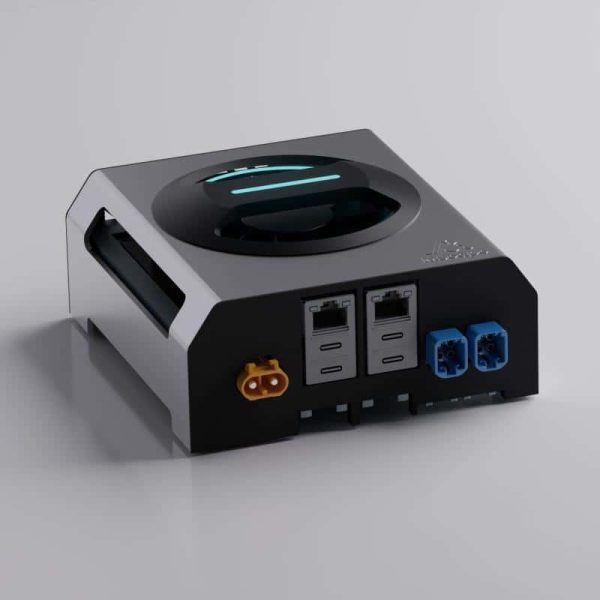
Edge AI Compute for Sensor-Rich Robots
Multi-camera robot perception
Compact edge AI deployment
Industrial interfaces and real-time communication
When to Choose N203
Multi-Camera Input Is Required
Compact Edge AI Is Needed
Industrial Integration Matters
N203 Engineering Highlights
8-Channel GMSL2 Camera Support
N203 supports 8-channel GMSL2 camera access, making it suitable for robot platforms that need stable high-bandwidth visual input.
Compact 200 TOPS-Class Edge AI
The platform provides 200 TOPS-class edge AI compute for perception, inference, sensor fusion, and intelligent device processing.
Real-Time and Recovery Path
N203 supports USB power control, system self-recovery, commercial-grade EtherCAT, and Xenomai hard real-time capability for deployment-oriented robots.
N203 Specification Summary
Use this table as a first evaluation layer. Confirm exact values and interface definitions in the official N203 technical manual.
| Product Role | Multi-camera robotics edge AI computer |
|---|---|
| AI Compute | 200 TOPS-class compute |
| Camera Input | 8-channel GMSL2 camera support |
| Connectivity | 5G, Wi-Fi, Ethernet, and peripheral expansion |
| Power and Recovery | USB power control and system self-recovery support |
| Real-Time Support | Commercial-grade EtherCAT plus Xenomai hard real-time capability |
| Best Fit | Sensor-rich robots needing multi-camera perception, edge AI compute, and industrial communication |
Related Technical Guides
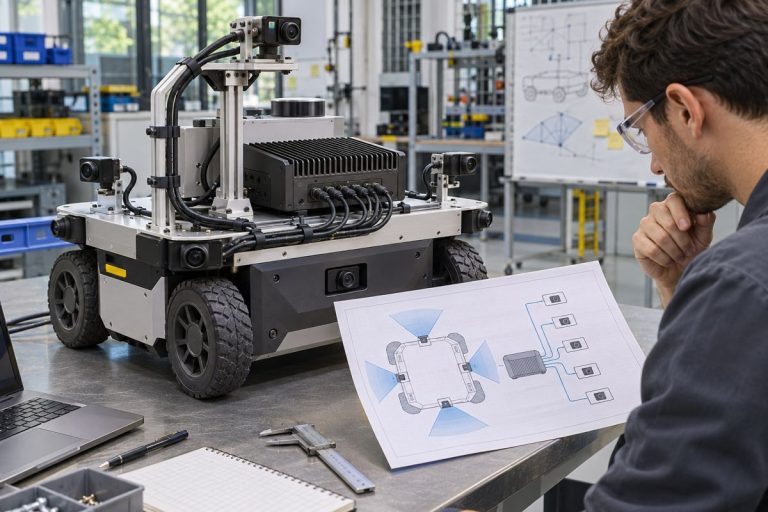
Multi-Camera Jetson Robot Computer RFQ: Specify the Camera Chain
Turn camera models, interfaces, timing and software versions into a clear RFQ for a complete Jetson robot computer.
Learn More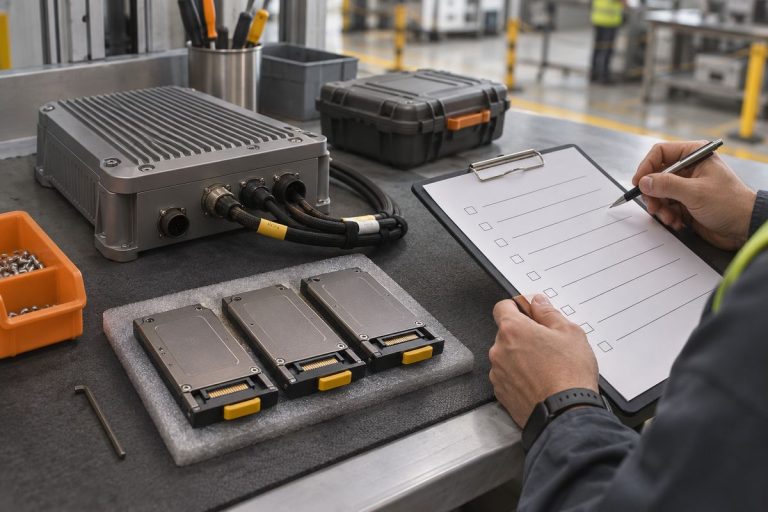
Robot Log Storage: Budget Retention Before the Disk Fills
Map diagnostic writers, calculate shared storage growth, and validate retention and incident export before an unattended robot shift.
Learn More
USB Camera Identity on Robots: Bind Views to the Right Calibration
Choose serial or USB-port identity, bind each camera view to its calibration, and test reboot, swapped connections and replacement before robot use.
Learn More