English
 Español
 Português
 Deutsch
 한국어
 日本語
 Italiano
 Français
 العربية
 Türkçe
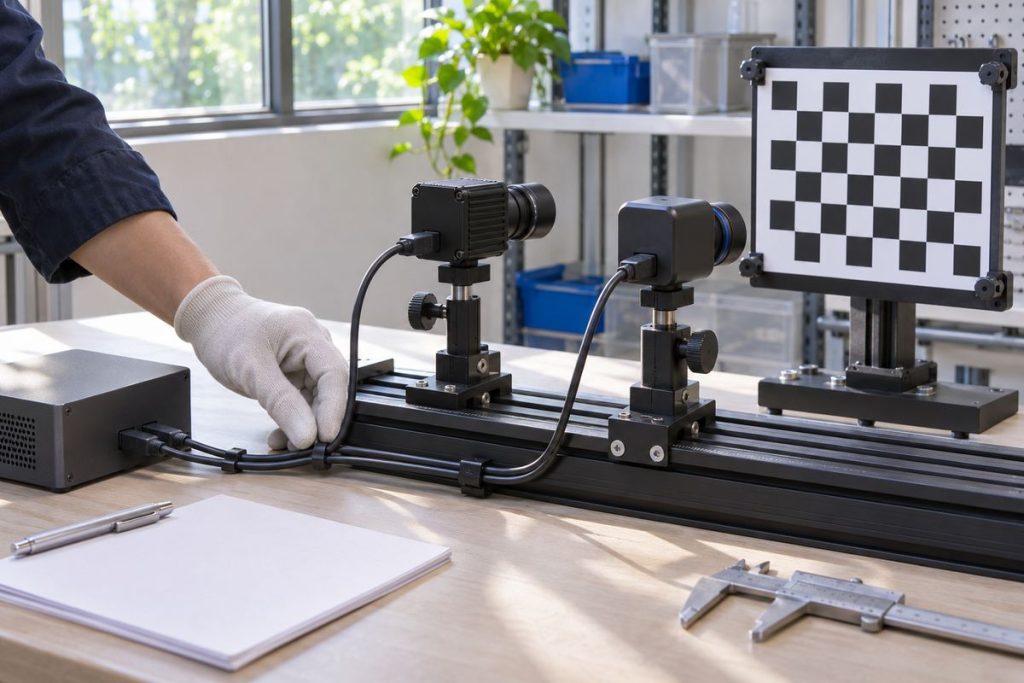
Bind a robot camera to a verified physical identity and its calibration, rather than assuming that /dev/video0 always means the front view. Decide whether identity follows the camera serial number or the installed USB port, then test that decision after reboot, cable changes and replacement. A stream that opens successfully can still be the wrong view. Your acceptance record should connect the camera, mounting position, capture endpoint, logical topic, optical frame and calibration version before downstream perception uses it.
Start with the view the robot needs
Take a stationary mobile robot with a front inspection camera and a rear observation camera. Both may produce plausible images in the same room. If software exchanges their roles, a quick check that two topics exist will miss the problem. Put a distinct physical target in each field of view and record which logical stream sees it. Keep robot motion disabled throughout this commissioning work.
The Linux V4L2 device-naming documentation explains that video indices depend on driver probe order and need not remain constant. It also describes the default by-id and by-path links. Treat those links as evidence to inspect on the actual build, rather than assuming that every camera exposes a useful unique identity.
Record all capture endpoints for each unit. One physical camera can expose more than one video node; selecting the intended image endpoint belongs in the mapping. A path that identifies the right unit but selects the wrong function does not complete the task.
Choose whether identity follows the unit or the port
Your policy should say what happens when an engineer moves a cable. Following a unit and following a physical socket are different service decisions. Neither policy can prove that the camera remains in its approved mounting position.
| Policy | Useful when | Required failure check |
|---|---|---|
| Unit identity | The device exposes an observed unique, stable serial and the view should follow that unit | Move the cable; confirm identity persists but flag any mounting change |
| Physical topology | The approved harness assigns a view to a specific host port and hub route | Exchange connections; detect the changed assignment instead of accepting the wrong view |
| Controlled manual assignment | Units cannot be reliably distinguished automatically | Require a documented visual check before release; reject ambiguous unattended startup |
The udev reference describes matching device properties and creating meaningful symlinks. Inspect the properties present on your installed distribution before designing a rule. Avoid copying a serial-number rule from a different camera model or assuming that a product identifier distinguishes two identical units. This is an evaluation method, not a supplied rule set for a verified camera and operating-system combination.
Bind calibration to the complete assignment
A friendly camera name is only one field in the release record. Include the physical unit identifier, mounting location, lens configuration, selected endpoint, image mode, logical stream name, optical frame, calibration artifact and approval date. Store the artifact version or checksum so a later service visit can establish which file was loaded.
The official ROS CameraInfo message definition separates acquisition metadata, optical frame, calibration parameters and operating parameters. Use the definition matching your deployed ROS release when inspecting messages. A nonzero matrix alone does not prove that calibration belongs to the connected camera.
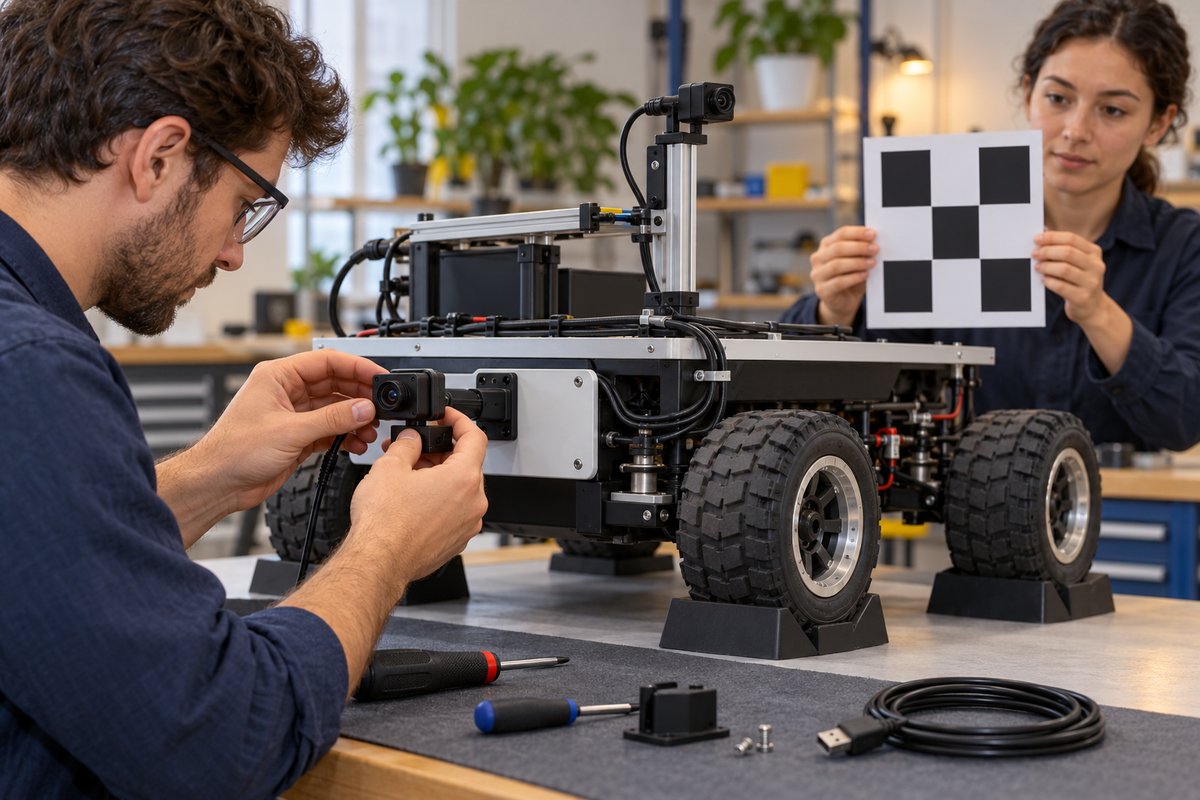
Check two relationships separately: whether the optical parameters match the unit and image mode, and whether the mounting transform matches the installed position. Replacing a unit, moving a bracket or changing the optical setup should trigger the checks defined by your calibration procedure. Do not automatically copy the old approval merely because the replacement has the same model name.
Make the acceptance record test the wrong cases
Begin from an approved baseline with both physical targets visible. Save the identity properties, resolved endpoints, stream-to-view mapping and calibration references. Then run the following cases under controlled bench conditions. Choose the repetition count from your project’s reliability needs; this checklist does not prescribe a statistically validated sample size.
- Cold boot: verify both views, capture endpoints and loaded calibration references, regardless of video-node numbering.
- Changed connection order: confirm the declared identity policy still produces the intended assignment or an explicit configuration fault.
- Missing unit: confirm software does not silently substitute the other camera for the absent view.
- Exchanged ports: verify the serial or topology policy behaves as documented, and repeat the physical target check.
- Replacement unit: require identity enrollment and calibration approval before restoring the operational configuration.
- Duplicate or unavailable identity: record ambiguity as a failed assignment rather than selecting whichever device appears first.
For each case, retain the expected view, observed view, resolved endpoint, calibration checksum, fault indication and release decision. Where the camera or driver does not support reconnection during operation, use a controlled shutdown and restart procedure. Do not turn a naming test into an unsupported hot-plug test.
Carry the identity requirement into computer selection
Use the MScape N203 camera-integration evaluation route when discussing a camera-rich robot computer. Ask for review of your exact USB cameras, topology, capture modes, software image and concurrent workload. This method does not establish compatibility with a particular camera or certify an installed USB arrangement.
If your main question is whether the complete interface layout fits, start with the broader robotics interface-validation guide. Keep the approved mapping with your robot computer configuration record. A system that needs vendor-specific capture support or cannot expose distinguishable inputs needs that integration issue resolved before a naming policy can help.
Send your camera integration requirements for review: robot task, camera models and identifiers, camera count, port and hub diagram, image modes, sensor stack, control bus, compute target, power budget, software versions and deployment timeline. Include your replacement policy so the discussion covers service behavior as well as the first successful capture.