English
 Español
 Português
 Deutsch
 한국어
 日本語
 Italiano
 Français
 العربية
 Türkçe

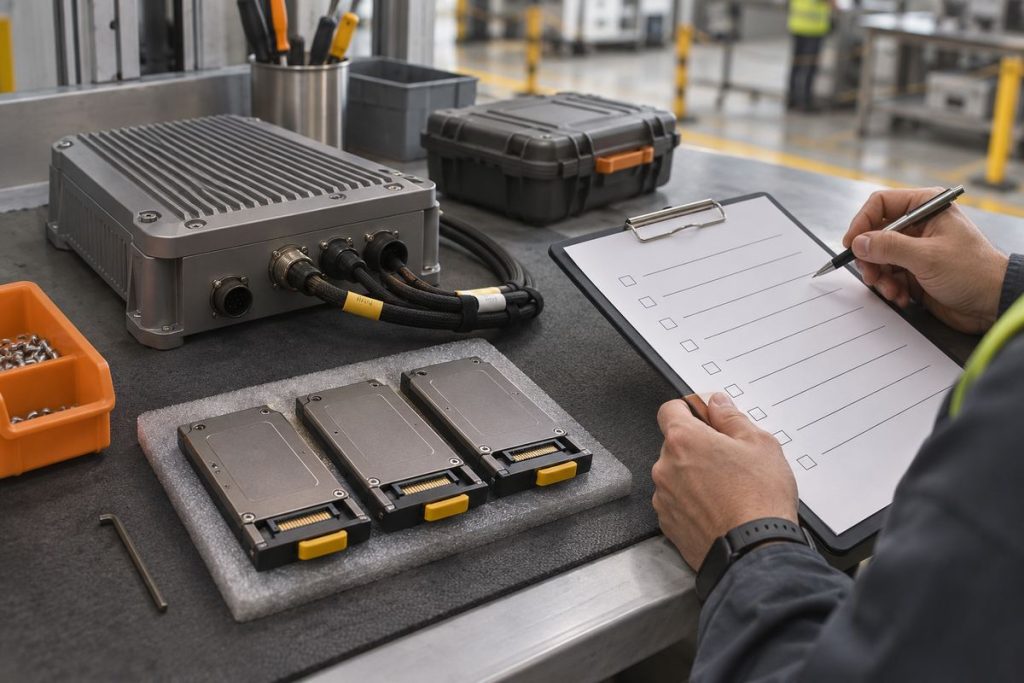
To keep diagnostic logs from filling a robot computer, identify every writer on each filesystem, assign each one a space budget and retention policy, then test the combined workload near its warning threshold. A journal limit alone cannot bound ROS files, container logs and sensor recordings. Keep enough protected headroom for the installed application and preserve incident evidence before cleanup. Treat this as an acceptance task for the complete robot build, rather than a reason to choose a larger SSD without measuring growth.
Start with the filesystem, then follow each writer
Consider an inspection robot that returns to a service station after a shift. Its cameras may record only selected events, while a reconnecting driver emits diagnostics throughout the shift. The recording folder can remain within budget while another directory consumes the free space needed by the application. Your storage review therefore needs both a writer map and an account of where those writes actually land.
Record the mount, available capacity, service identity and directory for each writer. Check the configuration used by the running service, rather than assuming that your interactive shell uses the same environment. Container mounts also matter: two apparently separate paths may share the same host filesystem. Give someone responsibility for each policy and for exporting evidence when a fault occurs.
The ROS 2 Jazzy logging documentation describes console, disk and ROS-network output. It also explains how ROS_LOG_DIR and ROS_HOME influence disk locations. Use that documentation to trace your installed configuration; this is not a claim that a particular robot computer supports Jazzy or a particular logging backend.
Choose what survives a long disconnected shift
| Evidence class | Recommended policy to evaluate | Tradeoff to resolve |
|---|---|---|
| System and service diagnostics | Bounded history with a free-space reserve | Short history saves space but may remove the start of an intermittent fault. |
| ROS application files | Explicit directory ownership and retention | Useful application detail may be duplicated in console capture. |
| Container output | Verified rotation for each deployed container | A host default does not prove that existing containers use it. |
| Incident evidence | Protected export with a reviewed expiry | Preserving everything indefinitely defeats the storage budget. |
| Camera recordings | Separate capture and retention allocation | High-volume evidence can displace diagnostic history on a shared filesystem. |
Keep raw sensor payload planning in the multi-camera recording bandwidth and storage guide. Here, the decision is which diagnostic history survives and how all writers share space. Avoid disabling useful error records simply to make a capacity graph look better. Reduce repetitive noise at its source and verify that the retained record still supports diagnosis.
Calculate a shared-space budget with declared assumptions
The following is a hypothetical planning example, not a measured robot or storage recommendation. Assume you allocate 12 GB of free space to diagnostic growth before a warning, using decimal units. There are four application writers at 10 kB/s each, plus 5 kB/s of other diagnostics. The combined assumed rate is 45 kB/s. Over 24 hours, that is 45,000 bytes/s × 86,400 s = 3.888 GB. With no cleanup, the 12 GB allocation lasts about 3.09 days at that constant rate.
Now assume one additional fault produces 500 kB/s for 20 minutes. That burst adds 0.6 GB, making the illustrative daily total 4.488 GB. Two such days need 8.976 GB before filesystem overhead, other writers and uncertainty. A nominal two-day history could fit this allocation, but the arithmetic alone does not prove it will: real faults can last longer, rates vary, and recording or update files may consume the same space.
Replace every assumed rate with observed file growth from your build. Record both normal operation and representative fault periods. Keep application headroom outside this diagnostic allocation, and agree on a warning early enough for the actual service response time. A threshold that requires immediate remote intervention is a poor fit for a robot that spends a shift disconnected.
Check the boundaries of each retention mechanism
systemd’s journal configuration reference distinguishes journal space limits and free-space controls. These govern the journal, not every application file. Check the installed systemd version and storage mode before choosing settings; a journal policy is one part of the writer map.
For containers using the JSON file driver, Docker documents size and file-count rotation options. Its daemon defaults apply to newly created containers, so inspect deployed containers individually. Use supported logging controls rather than externally modifying Docker-managed log files. A deployment change needs a readback check, not just an edited configuration file.
Accept the policy with a controlled storage-pressure test
Use a recoverable bench setup with the robot immobilized. Protect existing evidence and define the permitted service response before testing. These are recommended acceptance steps, not a test MScape has performed or a safety certification.
- Save the software versions, mount map, writer paths, effective policies and initial free space.
- Run the representative workload and measure growth per writer over a stated interval.
- Introduce a controlled diagnostic burst and confirm that warnings reach the responsible operator.
- Exercise retention within a bounded test allocation. Confirm that older eligible records expire while protected incident evidence remains retrievable.
- Restart the relevant services and computer, then verify that paths, limits and warning behavior persist.
- Export an incident packet and confirm that another engineer can associate its timestamps, robot identity and configuration with the event.
Record pass or fail against thresholds your team approved beforehand. Include missing evidence, unexpected writers and the response to an unavailable export destination. Do not claim success merely because the test ended with some free space.
Bring the storage policy into the hardware review
For a camera-equipped robot evaluating the MScape N203 robotics computer, include diagnostic storage alongside camera and inference requirements. This method does not establish storage endurance, capacity or software compatibility for a specific configuration. If the requirement is primarily archival recording, evaluate that storage path separately before selecting onboard hardware.
Send your integration requirements for review with robot type, sensors and camera count, interfaces, compute target, software/logging stack, mount map, measured growth, retention needs, power budget, environment, quantity, deployment timeline and delivery country. Include the warning and export acceptance record so the discussion starts from the installed workload.