English
 Español
 Português
 Deutsch
 한국어
 日本語
 Italiano
 Français
 العربية
 Türkçe

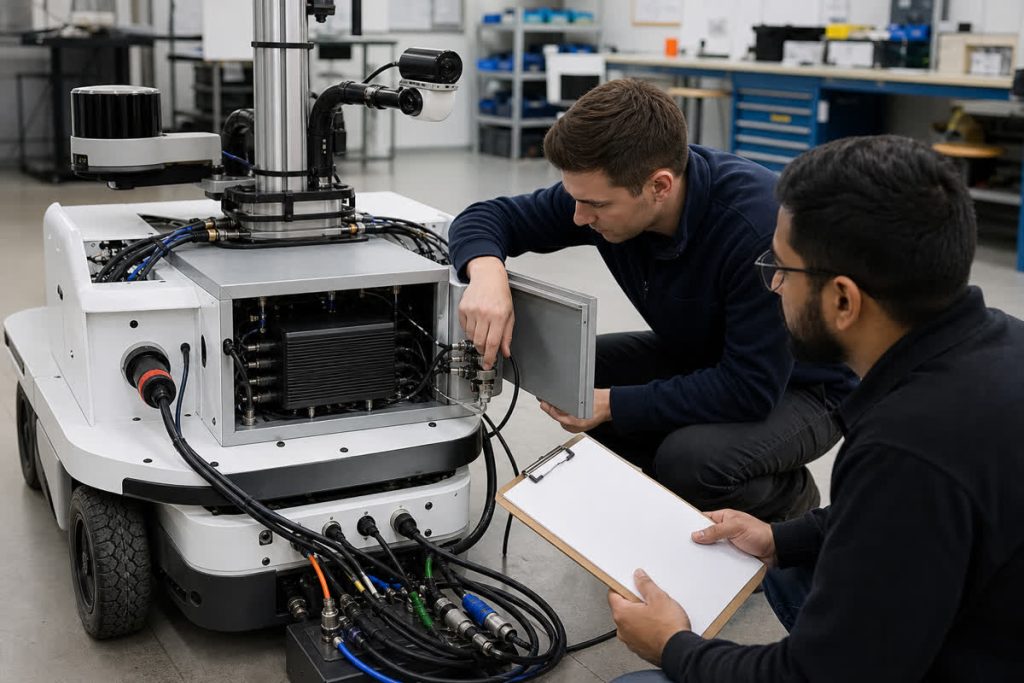
Four 1920 × 1080 cameras recording tightly packed RGB images at 30 fps produce about 2.687 TB of raw image payload per hour, before storage overhead. My starting point is therefore the recording budget, before the SSD or robot-computer shortlist.
The camera count alone is not enough. What matters is which representation you store, at what rate, and for how long. The calculation below separates raw payload from stored file size, then compares what to retain and what to test on the installed robot. These figures are a hypothetical sizing example, not an MScape benchmark.
Identify what you are actually recording
A camera link, a decoded image topic and an encoded recording can carry different amounts of data. The format at each boundary belongs in the bandwidth requirement. For camera placement and exposure timing, use the separate multi-camera vision guide; the calculation here focuses on recording.
For an uncompressed ROS image, the Image message definition gives the pixel-data size as step × height. Step is the full row length in bytes, including padding. For tightly packed images without padding:
bytes per image = width × height × bytes per pixel
bytes per second = bytes per image × fps × camera count
The ROS encoding definitions distinguish rgb8, with three eight-bit channels, from mono8, with one. Read the actual encoding and step. “1080p” does not tell you how many bytes the recorder receives.
My four-camera calculation
The assumptions: four cameras, 1920 × 1080 pixels, 30 fps per camera, packed rgb8, three bytes per pixel and no row padding. MB, GB and TB below are decimal units. Message headers, serialization, transport and recording-container overhead are excluded.
| Quantity | Calculation | Raw image payload |
|---|---|---|
| One image | 1920 × 1080 × 3 | 6.2208 MB |
| One camera per second | 6.2208 × 30 | 186.624 MB/s |
| Four cameras per second | 186.624 × 4 | 746.496 MB/s |
| One minute | 746.496 × 60 | 44.790 GB |
| One hour | 746.496 × 3600 | 2.687 TB |
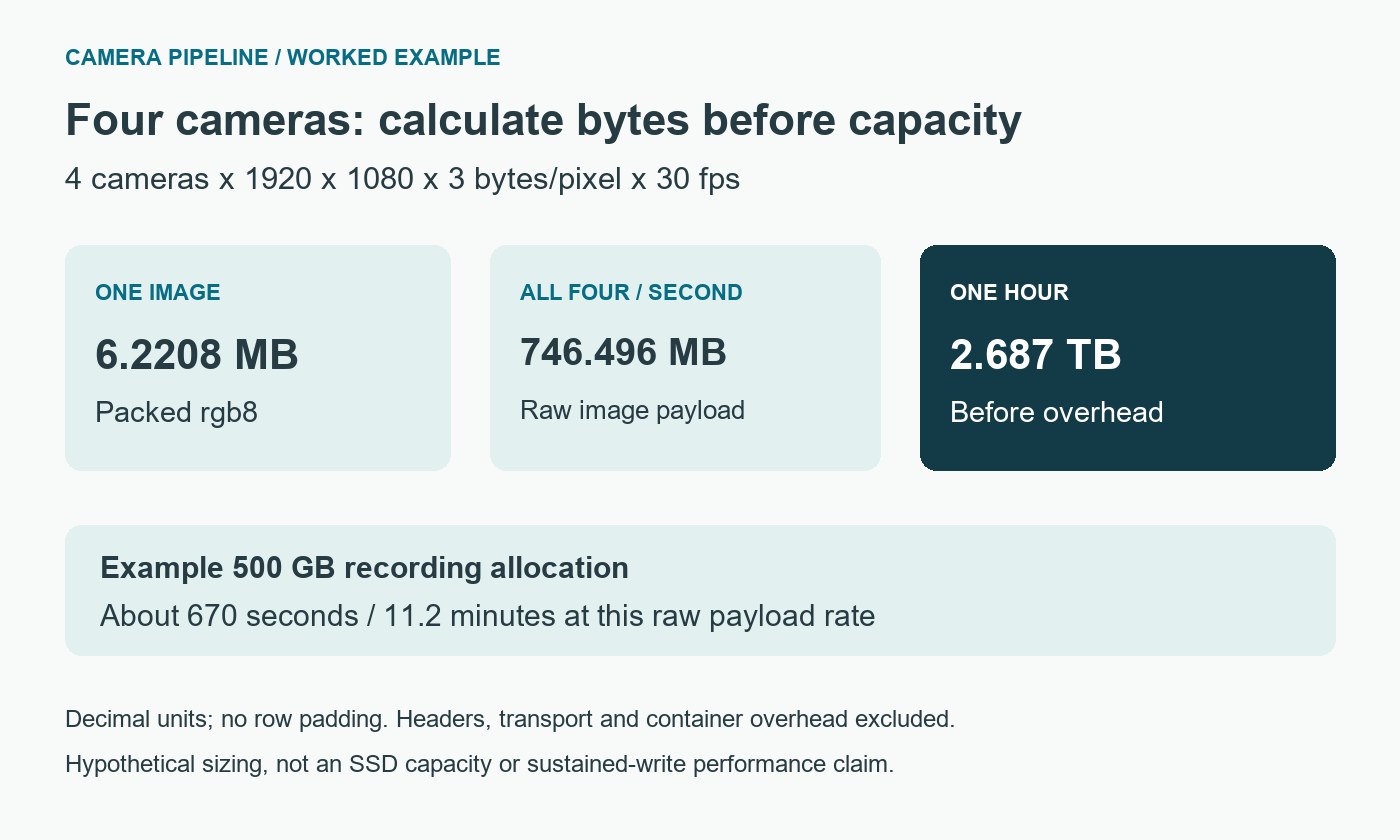
The total is also about 5.972 Gbit/s of raw image payload. It is not a measurement of physical camera links, an SSD write result or proof that a particular computer supports this workload.
Suppose I allocate 500 GB of usable space to this recording. At the calculated raw rate, that budget lasts roughly 670 seconds, or 11.2 minutes, before additional storage overhead. The 500 GB is an example allocation, not a shipped MScape drive capacity.
For the final design, replace the calculated payload rate with measured file growth:
recording duration = usable recording bytes / stored bytes per secondUse the space actually available to the recorder after the system, other data and your required reserve have been accounted for.
Choose what to preserve before choosing the drive
Continuous raw recording is useful only if the task requires what it preserves. Three questions determine the policy: which events must be reconstructable, which details must remain visible and how much history is needed?
| Illustrative recording choice | Payload rate | Payload per hour | Decision to make |
|---|---|---|---|
| Four rgb8 streams at 30 fps | 746.496 MB/s | 2.687 TB | Does the task require every full-rate color frame? |
| Four mono8 streams at 30 fps | 248.832 MB/s | 0.896 TB | Is monochrome sufficient for the evidence? |
| Four rgb8 streams recorded at 5 fps | 124.416 MB/s | 0.448 TB | Could sampling miss the event you need? |
| Four encoded streams, assumed 8 Mbit/s each | 4 MB/s | 14.4 GB | What quality, variability and encoding cost are acceptable? |
The first three rows use the same dimensions and no-padding assumption. The last row uses a chosen bitrate solely to illustrate sizing, not a measured codec result, camera specification or promise of image quality.
Reducing the recording rate does not automatically reduce live camera ingress or inference work. If the live path still consumes 30 fps, budget for that separately. Storing encoded data also does not remove decoded-image traffic elsewhere in the pipeline.
Event-triggered recording is another option, but it needs a defined trigger, any pre-event buffer and rules for missed triggers. “Record only when something happens” is not a complete storage requirement.
File splitting is not a full-disk policy
The official rosbag2 README describes topic selection and splitting by size or duration. Check ros2 bag record --help on the installed version, and verify the recorder’s subscription QoS.
Splitting gives you smaller files. It does not by itself decide which recordings to delete, which evidence to protect or what the robot should do when space runs out.
My recording brief starts with ownership, the space limit, warning threshold, retention rule and full-disk response. It also includes the camera metadata, calibration and timestamps needed for useful replay.
Test recording alongside the live workload
A short recorder-only test cannot settle the concurrent-workload question. The meaningful test uses the intended camera modes with inference, networking and recording running together, inside the proposed enclosure.
- Measure stored bytes per second and frame loss across required operating conditions.
- Check camera delivery and perception age while files are being written.
- Exercise the allocated storage limit and verify warnings and retention behavior in a controlled test.
- Restart the recorder and relevant devices, then replay representative files to check images, timestamps and metadata.
- Record the SSD configuration, software versions and thermal conditions with the results.
The installed-build thermal validation guide explains why the final enclosure and workload belong in this review. Set pass criteria before testing, not after seeing the results.
What this means for an N203 shortlist
The N203 multi-camera edge AI computer has eight GMSL2 inputs and M.2 2280 NVMe storage. For this recording task, the deciding details are the supported camera pairing, configured SSD capacity and sustained performance under the complete workload.
Confirm the sensor/serializer/driver pairing and proposed SSD configuration, then validate simultaneous capture, inference and recording. If you need only occasional low-rate images, the continuous raw-recording budget may be unnecessary. If every high-rate frame is essential, interface count alone is insufficient.
Size the pre-event buffer as well as the archive
An event recorder has to hold the past before it can save it. With the four RGB8 streams calculated above, a ten-second raw pre-event window requires 746.496 MB/s × 10 s = 7.46496 GB of image payload. A thirty-second window needs 22.39488 GB. These are decimal, no-padding examples; buffers, metadata and simultaneous events add further demand.
The buffer does not have to contain the same representation used for inference. Encoded images may reduce its size, but encoding cost, quality and the ability to start replay from a usable point must be tested. If several events overlap, decide whether they share one retained interval or create independent copies.
An acceptance test should trigger an event just after a buffer wrap and near the storage limit. Replay the retained interval and verify the required lead-in, camera identities and timestamps. A recording file that opens successfully can still be missing the seconds that explain why the incident occurred.
To move from arithmetic to a configuration review, send MScape your camera and recording budget: robot task, interfaces, camera modes and encodings, concurrent inference, recording policy, measured file-growth rate, retention target, power/thermal limits, quantity and delivery country.