English
 Español
 Português
 Deutsch
 한국어
 日本語
 Italiano
 Français
 العربية
 Türkçe

When moving a TensorRT vision workload to a robot computer, carry the source model, preprocessing rules and acceptance data with you. Treat the serialized engine as a target-dependent build artifact. Compare the target GPU, operating system, TensorRT runtime, plugins and input profiles before deciding whether to reuse it; otherwise rebuild in the approved target environment. Then verify outputs and end-to-end timing with representative robot inputs before enabling downstream decisions.
A file loading successfully is only the first gate. The release must also interpret the correct inputs, meet task-quality limits and fit the installed camera pipeline.
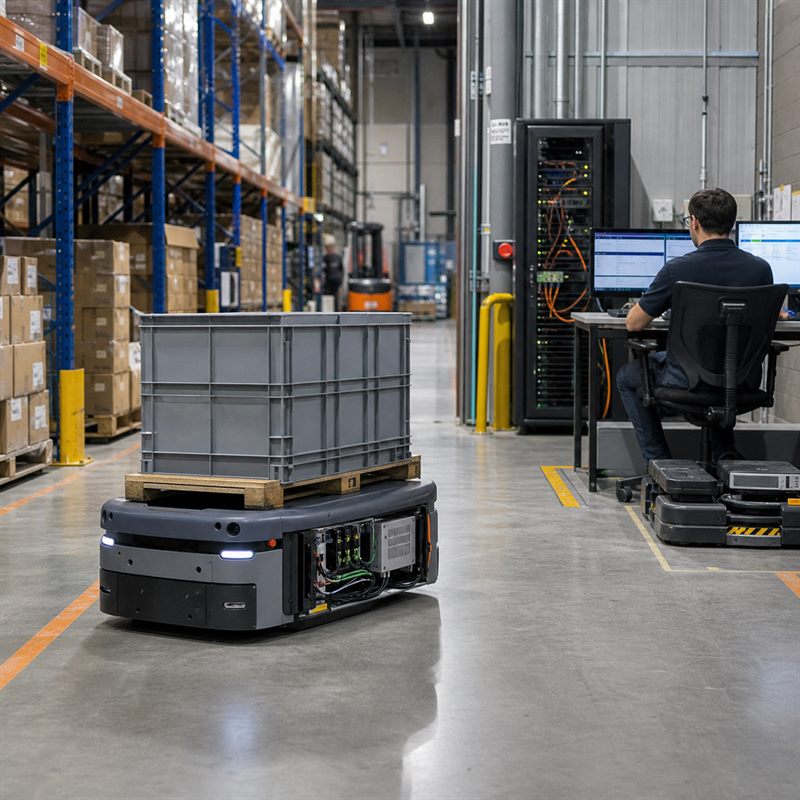
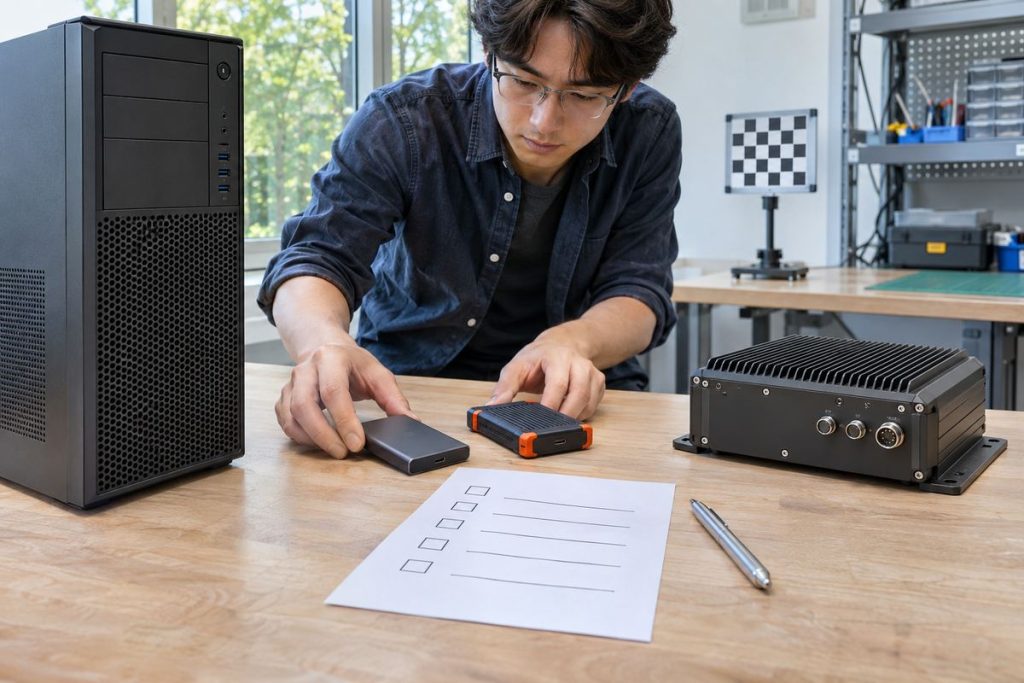
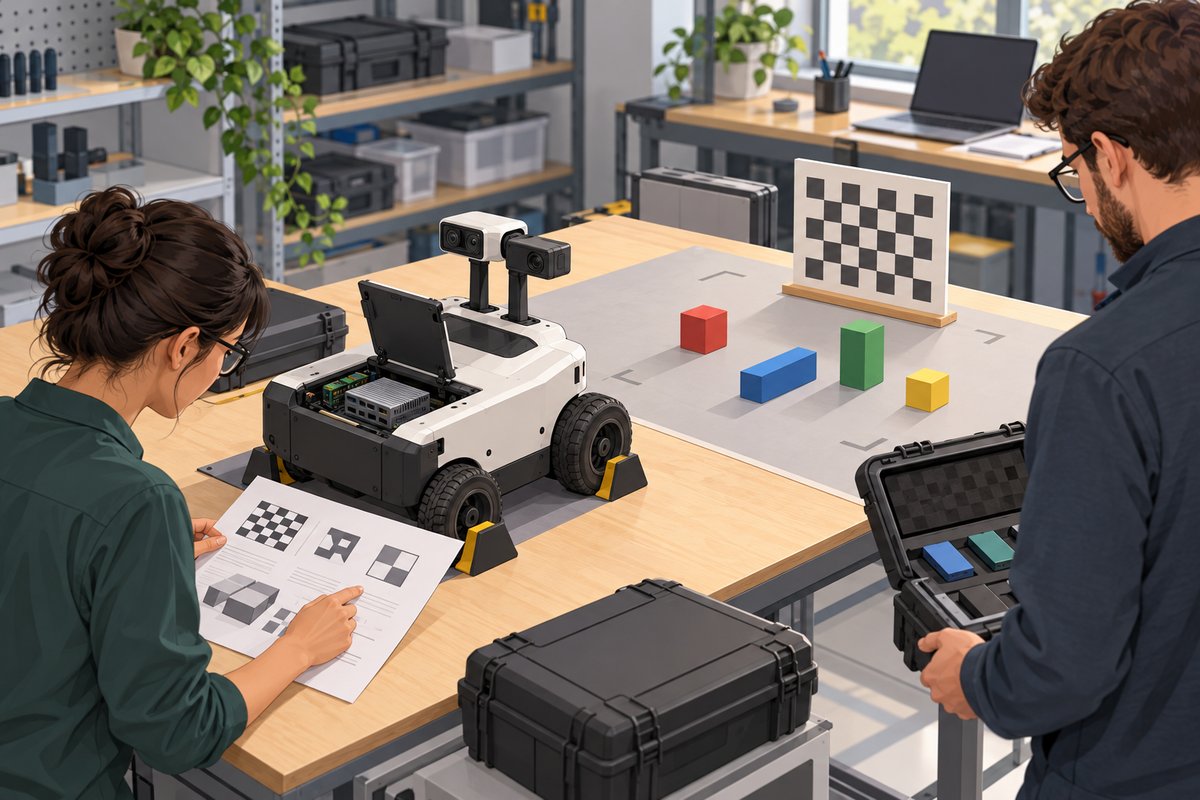
The cover and scene below are AI-generated engineering illustrations, not photographs of MScape hardware, customers or measured tests.
Separate the model from the engine you deploy
A workstation experiment often leaves several files called “the model.” Make the distinction explicit in the handover: the exported source graph, the recipe used to build an engine, the resulting plan file and the application that prepares inputs and interprets outputs. Preserve a checksum and release identifier for each. A replacement computer should not depend on finding an unnamed file on a developer’s laptop.
NVIDIA documents default version, device and platform restrictions for serialized engines, with conditional compatibility features selected at build time. Its TensorRT engine compatibility guide also states that hardware compatibility mode is not supported on JetPack. Do not assume that a compatibility option described for another deployment environment makes a desktop-built engine portable to a Jetson computer. Use the documentation matching the installed release; the current guide is not a supported-software list for a particular robot computer.
| Change or unknown | Decision to make | Acceptance evidence |
|---|---|---|
| Workstation to onboard GPU | Plan a target-environment rebuild unless reuse is explicitly supported. | Target identity, build log, engine checksum and output comparison. |
| Runtime or plugin revision | Check exact release compatibility and plugin packaging; rebuild when unsupported. | Dependency manifest, startup log and representative inference results. |
| Camera preprocessing or input shape | Confirm tensor meaning and profile coverage; rebuild if the required input is outside the engine contract. | Input specification and boundary-case replay. |
| Unchanged, approved target baseline | Evaluate reuse against the recorded build and acceptance scope. | Matching artifacts plus repeated startup, quality and timing checks. |
Make the build reproducible before troubleshooting it
Record the target computer configuration, GPU identity, operating-system image, JetPack, CUDA and TensorRT versions, application release, model checksum and plugin libraries. Keep the build command or script, input names, dimensions, data types, precision choices and output definitions beside the engine checksum. Note which power mode and competing workloads were present during the timing test.
Use a controlled build environment representative of the approved target. Keep it separate from the robot’s active mission so a long build or failed dependency change cannot interrupt operation. If the engine fails to load, preserve the TensorRT logger output and compare the manifest before replacing packages. An ad hoc runtime upgrade can invalidate more of the robot baseline than the engine itself.
Ask the software supplier for the source export and build dependencies when maintainability is part of procurement. If only a plan file is available, record the rebuilding dependency and responsible owner as an unresolved release risk. Do not promise an upgrade path that the delivered artifacts cannot support.
Accept the input contract and task outputs
For each camera path, specify color order, resize or crop method, normalization, tensor layout, dimensions and the interpretation of outputs. Keep preprocessing identical when comparing the reference and target builds. Otherwise a changed result may come from a new crop rather than the inference engine.
Dynamic dimensions require defined optimization profiles and runtime shapes, as explained in NVIDIA’s dynamic-shape documentation. List minimum, typical and maximum accepted shapes in the release record. Exercise those boundaries and an invalid input through the application, checking that unsupported input produces a controlled error rather than a plausible stale result.
Replay a fixed dataset that represents the robot’s task: difficult viewpoints, small relevant objects, low contrast and empty scenes where those conditions belong in the operating envelope. Define output tolerances and task-level acceptance before comparing builds. NVIDIA’s accuracy considerations explain why reduced precision needs evaluation; a smaller engine or successful conversion does not establish acceptable task quality.
- Save reference outputs, dataset identifiers and preprocessing configuration.
- Compare the target build against the agreed quality limits, recording failures by input identifier.
- Test startup without the expected engine or plugin; require a clear unavailable state and retained diagnostic evidence.
- Confirm the downstream application rejects missing or invalid results according to its designed control boundary.
- Repeat after a controlled restart and preserve the accepted release bundle.
Budget the complete camera-to-result path
Engine execution time leaves out capture, preprocessing, queues and application delivery. NVIDIA’s benchmarking guidance distinguishes inference measurements and their conditions. Keep engine measurements useful by pairing them with timestamps across the robot’s actual processing path.
Consider a hypothetical 80 ms input-to-result requirement. Allocate 20 ms to capture and delivery, 10 ms to preprocessing, 25 ms to inference and 10 ms to postprocessing and handoff. The sum is 65 ms, leaving 15 ms for variation and queueing. These are illustrative allocations, not measured N Series performance. Reject the design if observed delays exceed the requirement, even when average engine execution meets its 25 ms allocation.
Repeat with the intended camera count, recording and communications active. Preserve tail delays, dropped inputs and queue growth alongside task quality. For the wider decision about which work belongs onboard, use the robot-side inference validation guide.
Turn the release record into a hardware evaluation brief
For camera-rich robot projects, the MScape N203 AGX Orin computer is a relevant onboard hardware path to evaluate after defining the workload. Confirm the exact supplied software image and dependencies before planning the build. An AGX Orin processor alone does not establish that a particular engine, plugin or application release will work.
If the application depends on a desktop-only plugin or a software release outside the supplier-supported image, resolve that dependency before selecting the computer. Extra compute capacity cannot repair an incompatible deployment contract.
Send an N Series evaluation brief with robot type, source-model format, required software versions, camera count and sensor stack, control bus, timing and quality limits, power budget, enclosure, quantity, delivery country and deployment timeline. Include who owns rebuilding and acceptance so the evaluation has a clear completion condition.