English
 Español
 Português
 Deutsch
 한국어
한국어 日本語
日本語 Italiano
 Français
 العربية
 Türkçe
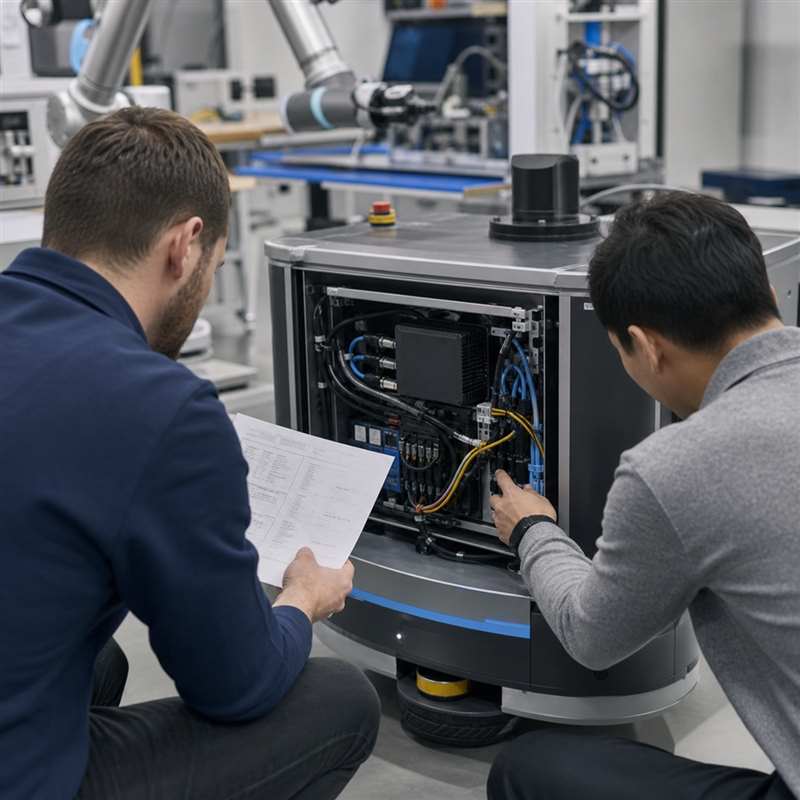
Short answer: configuration control for a robotics edge AI computer means recording the exact hardware, connections, software image, and validation evidence that made a robot build work. Before a purchase order or production build, teams should freeze a traceable baseline–not simply a model name–so a replacement unit, engineering change, or second robot can be evaluated against the same assumptions.
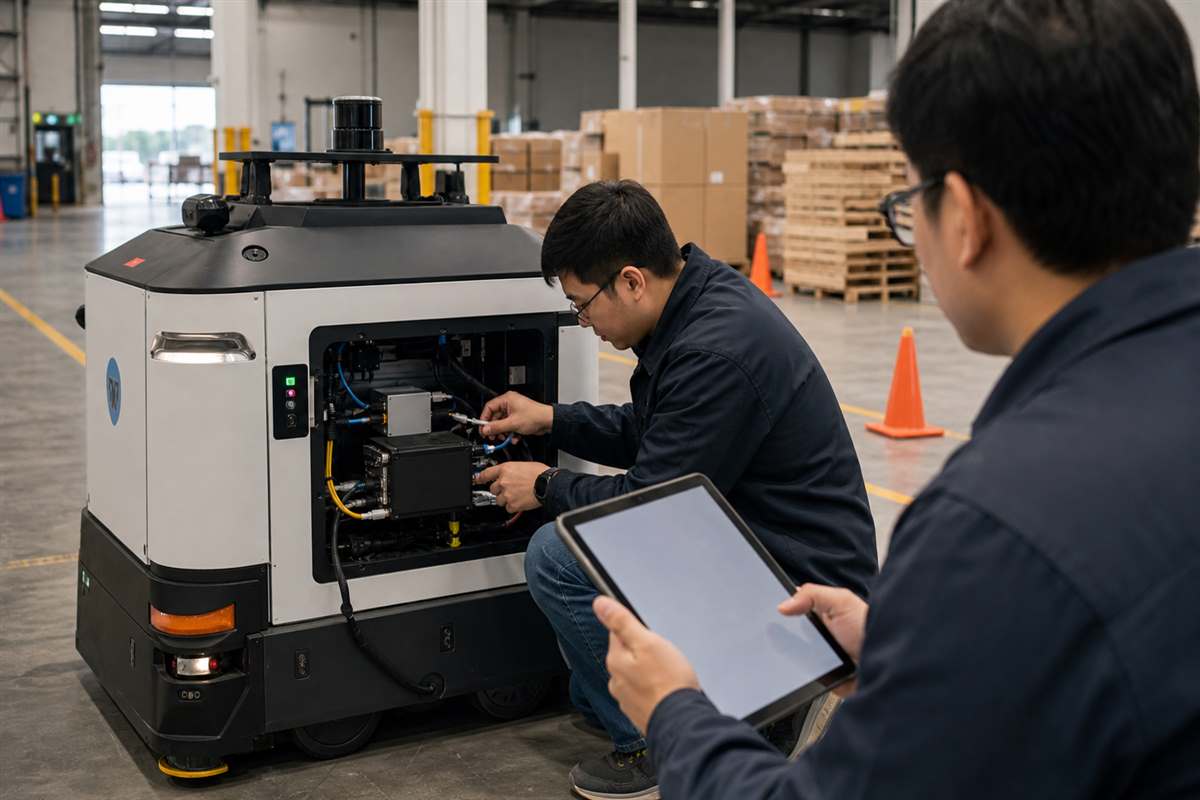
A robot-side computer is installed inside a physical system: cameras, network devices, power wiring, enclosure geometry, software dependencies, and a dedicated low-level control and safety architecture. That is why a configuration that succeeds on a bench can become difficult to reproduce after cabling changes, an image is updated, or an assembly moves to another team. The practical question is not only “which computer should we buy?” It is “what evidence will let us rebuild and validate this integration later?”
What configuration control means for a robot AI computer
Configuration control is a lightweight engineering record of the installed baseline and the process for changing it. It gives engineering, procurement, manufacturing, and service teams a shared reference for what was approved, what must be checked again, and who owns each boundary.
For an edge AI computer, the baseline can include the computer’s exact configuration, mounting approach, connection map, power assumptions, storage and operating-system image, software-version list, and the observations from a representative validation run. It does not turn the computer into a robot controller, motion controller, or safety function. Those responsibilities should remain explicit in the robot architecture and be reviewed with the appropriate dedicated systems.
Build a baseline that another engineer can actually use
| Baseline item | What to record | Why it matters |
|---|---|---|
| Hardware identity | Selected computer, configuration options, storage arrangement, mechanical mounting and connector access. | Prevents a model name from being treated as a complete installation definition. |
| Interface map | Each camera, sensor, Ethernet link, industrial communication path, power connection, and its owner. | Exposes dependencies and separates perception/communication work from low-level control and safety ownership. |
| Software release record | Operating-system image, middleware, application dependencies, configuration files, recovery method, and responsible team. | Makes a replacement or new build less dependent on personal memory. |
| Installed constraints | Enclosure position, cable routing, service clearance, thermal approach, startup and shutdown assumptions. | Captures conditions that are often absent from a desk-based demonstration. |
| Validation evidence | Tested sensors, representative workload, observed degraded-input behavior, and any unresolved items. | Turns “working” into a reviewable, repeatable statement without promising unverified performance figures. |
Use change triggers instead of informal substitutions
Not every change needs a complete requalification. But a useful build record defines which changes trigger review. A new camera model, connector adapter, storage device, operating-system image, enclosure position, or power path may affect more than the component being swapped. Review the sensor-to-decision chain before assuming that a locally convenient replacement is equivalent.
A short change note can identify the reason, affected interfaces, evidence to re-check, version identifiers, decision owner, and date. This is especially valuable as prototypes become pilot units or multiple robots must be built consistently. It also gives procurement a clear way to ask what is included in a quoted configuration and what requires a separate engineering decision.
A five-step configuration-control review before ordering
- Map the installed workload. List perception inputs, inference or sensor-processing workloads, communications, logging, and the system that owns resulting actions.
- Freeze the physical interface assumptions. Review connectors, cable paths, mounting, access for service, power source, and enclosure constraints with the robot rather than from a standalone product view.
- Capture the recoverable software baseline. Identify the image, dependencies, configuration files, storage process, and a practical recovery path.
- Agree the validation evidence. Use representative sensors and cables, then record observations for normal and missing-input cases. Keep unresolved conditions visible.
- Define change ownership. Decide who approves hardware, software, or interface substitutions and what must be re-checked before the next build.
Common gaps that create avoidable rework
| Gap | What goes wrong | Better practice |
|---|---|---|
| Only the model is recorded | Teams cannot tell which interfaces, storage, or installation assumptions belonged to the approved build. | Attach a concise configuration and connection record to the model selection. |
| Bench cables are treated as production wiring | Connector access, routing, retention, service space, or interference is discovered after integration. | Validate with representative lengths and installed routing early. |
| A software update has no test owner | A new image changes behavior, but no one knows which robot-level evidence must be refreshed. | Associate each change with a small revalidation scope and named owner. |
| Computer and controller roles are merged | AI computing expectations are mistakenly extended to dedicated low-level control or safety functions. | Document the responsibility boundary in the interface map and system review. |
Where an N Series computer fits in the baseline
For a compact onboard architecture, the MScape N201 embedded AI computer is a relevant robot-side computing path to review against the actual interfaces, packaging, software environment, and validation plan. If the workload or sensor arrangement calls for a materially different architecture, evaluate the alternatives separately–for example, the MScape N203 multi-camera edge AI computer for a camera-rich integration discussion. Start with the N Series product overview, then use the actual robot map to narrow the option.
For broader robotics context, see MScape’s robotics application cases and its company and engineering background. Teams moving from a bench proof to an installed machine can also use the related guide, From Development Kit to Deployable Robot Computer, before they freeze a production baseline.
FAQ
Is configuration control only for production?
No. A small baseline is useful as soon as a prototype has enough interfaces and software dependencies that another engineer must reproduce it. The record can become more formal as the robot program progresses.
Does a configuration baseline guarantee robot performance?
No. It makes assumptions and evidence traceable. The complete robot must still be validated in its intended environment, including its dedicated low-level control and safety architecture.
What should procurement ask a computer supplier to clarify?
Ask what the proposed configuration includes, which interface and installation assumptions need confirmation, what documentation accompanies the build, and which changes would require another engineering review.
Share your robot’s sensor map, installed constraints, software baseline, and intended validation milestone with the MScape engineering team through the N Series inquiry contact page.