English
 Español
 Português
 Deutsch
 한국어
 日本語
 Italiano
 Français
 العربية
 Türkçe

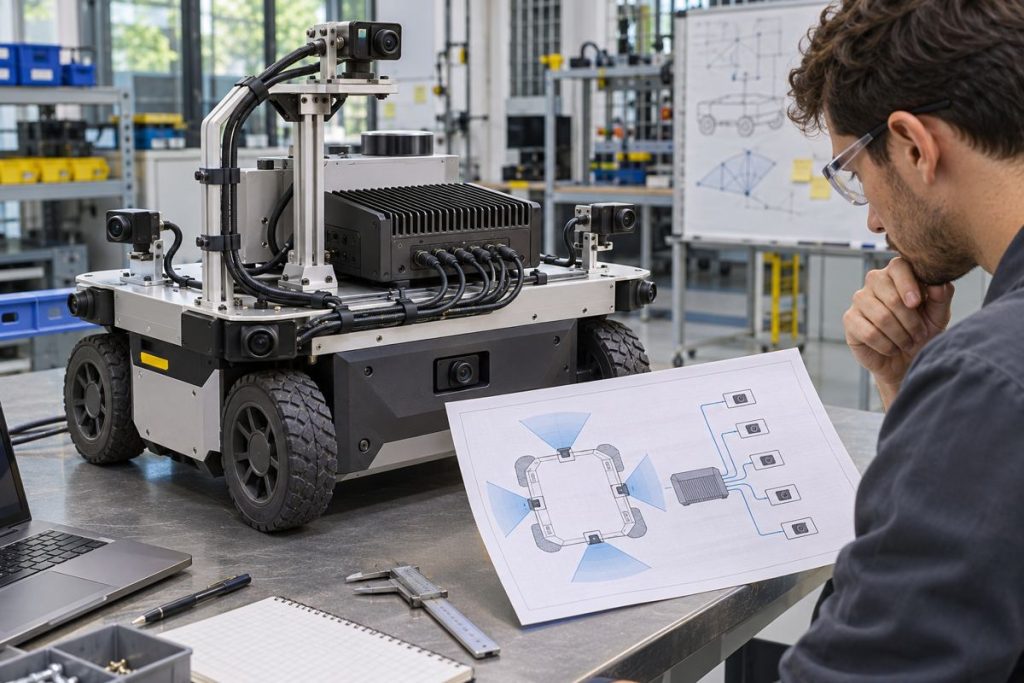
If you are requesting quotes for a multi-camera robot computer, send the supplier a camera map before asking for a Jetson module or TOPS figure. The useful question is whether the proposed complete computer, camera set, cables, software build and power design can work together in your robot. A port count starts the conversation; it does not establish that a particular camera will stream, synchronize, recover after a disconnect or meet your processing deadline.
Start with the robot’s camera job
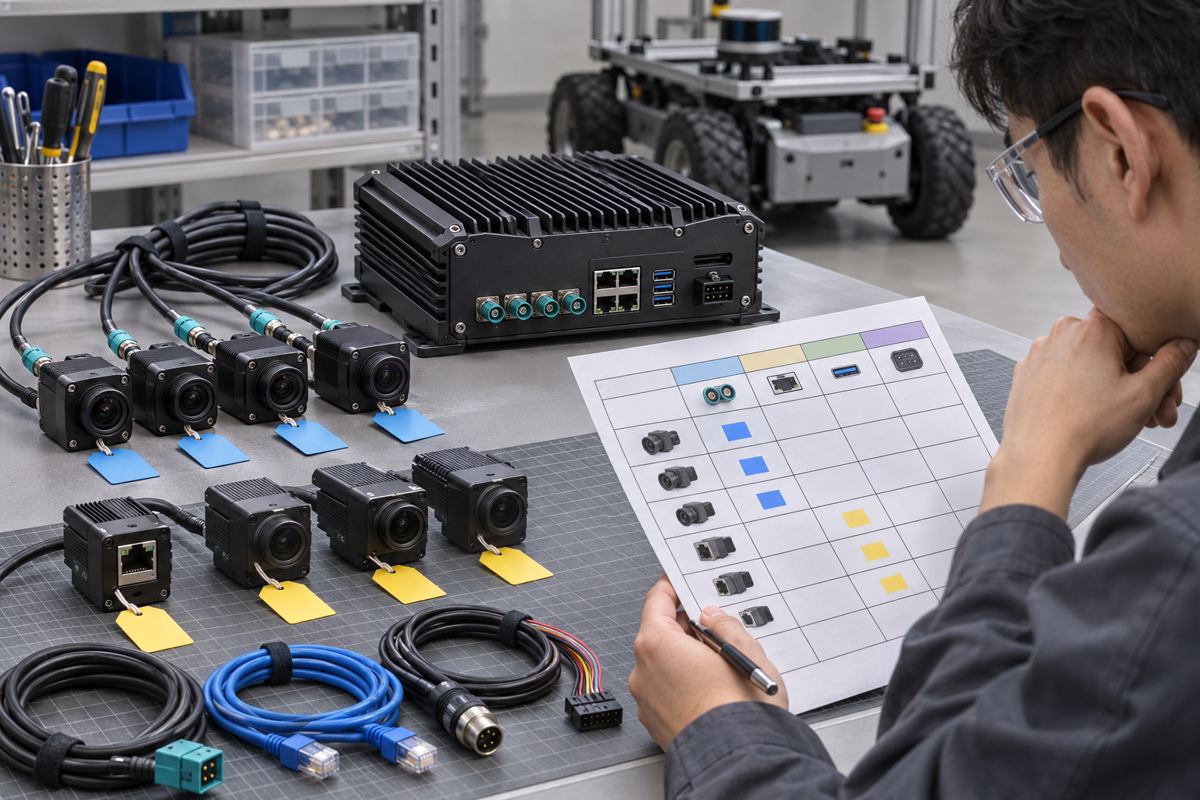
List every view and what the robot does with it: navigation, obstacle detection, inspection, teleoperation or recording. For each camera, record the actual sensor model, output interface, resolution, frame rate, pixel format, exposure or trigger requirement, cable route, estimated length and whether frames must be aligned with another sensor. Mark which streams must be processed concurrently. A rear recording camera and a forward safety-related perception input may have very different timing and failure-handling requirements; do not let one aggregate “eight cameras” line conceal them.
The worksheet should also identify who supplies each camera, serializer or network component, cable and driver. If the camera model is undecided, state the interface and performance assumptions as provisional. Ask for a configuration-specific feasibility response rather than a compatibility claim for an unnamed device.
Separate GMSL2, Ethernet and USB paths
For a GMSL2 design, the number of physical inputs is only one constraint. The sensor, serializer, deserializer path, connector, cable, power arrangement, device tree and driver must be matched for the specific computer build. NVIDIA’s Jetson camera development documentation distinguishes the camera software paths and shows why a module family alone does not validate an attached sensor. Ask the supplier which exact camera and software combination it has documented, and what remains to be tested in your enclosure.
Ethernet cameras move the bottleneck to the network path and host processing. Record each stream’s data format and worst-case burst, the switch and link allocation, packet size, timestamp source and loss-handling policy. Basler’s network parameters documentation explains how packet size and inter-packet delay affect a GigE Vision link. That guidance does not prove a particular robot network will carry your aggregate workload. USB cameras need their own topology: controller sharing, hub power, cable length, re-enumeration behavior and a stable mapping from physical view to the right calibration.
Do not combine these paths into a single “camera bandwidth” number. Draw the actual route from each camera to the computer and from captured frame to the application. If your design mixes links, name the converter or bridge and its owner. The published multi-camera system guide discusses placement and synchronization in more detail; this RFQ worksheet focuses on what a vendor must confirm before you commit to a computer.
Send a configuration table, not a camera count
A practical RFQ can fit on one page if the rows are specific. Include one row per camera and a short system-level section:
| Field | What to supply | What to ask the vendor to return |
|---|---|---|
| Camera path | Sensor model, interface, cable and connector revision | Exact supported combination or a clearly marked validation gap |
| Image load | Resolution, format, frame rate and concurrent streams | Capture and processing plan for the specified workload |
| Timing | Trigger, timestamp and maximum usable frame age | Clock and synchronization method plus acceptance measurements |
| Software | Required Jetson Linux/JetPack, ROS 2 and application versions | Driver, BSP, device-tree and update ownership for this build |
| Installation | Power, enclosure, cable routing and ambient conditions | Thermal, power and cable checks under installed load |
| Recovery | What happens after camera loss, brownout or restart | Observable fault and fresh-frame acceptance procedure |
For example, an integrator might list six simultaneous views, four requiring timestamp alignment and two used only for recording. That is an example of how to describe a requirement, not a performance claim for an MScape unit. The quote should identify which proposed configuration meets each row and which rows need a joint test. A statement such as “supports eight channels” cannot answer whether those six selected sensors, software versions and cable routes are validated.
Use the product page as a shortlist, then request evidence
The current MScape brochure lists eight GMSL2 inputs for the N203 robot computer, alongside Ethernet and USB connections. That makes N203 a relevant configuration to discuss for a GMSL2-heavy robot. It does not guarantee your camera model, frame timing or mixed-interface workload. Treat the product page as the shortlist entry and ask MScape to identify the exact computer revision, supported camera chain, software image and test scope for your project. If your requirement emphasizes a different combination of sensors and industrial communications, compare the N210 against the same worksheet rather than assuming the model names imply interchangeability.
Before purchase approval, agree on a small acceptance run: all required streams present at once; timestamps and frame age measured at the application; a camera disconnect and restart observed; logging sufficient to identify a missing or stale frame; and the installed computer tested under representative power and thermal load. Set thresholds from the robot’s actual task. Keep supplier statements, project assumptions and measured results in separate columns so an open compatibility question does not become a purchasing promise.
If you are comparing complete Jetson robot computers, send the camera map and system constraints through MScape’s inquiry page. Include the camera part numbers and revisions if known, the target market and delivery country, expected quantity, software baseline and the decisions you need before a pilot. That gives the technical and purchasing teams a concrete basis for a configuration discussion.