English
 Español
 Português
 Deutsch
 한국어
한국어 日本語
日本語 Italiano
 Français
 العربية
 Türkçe
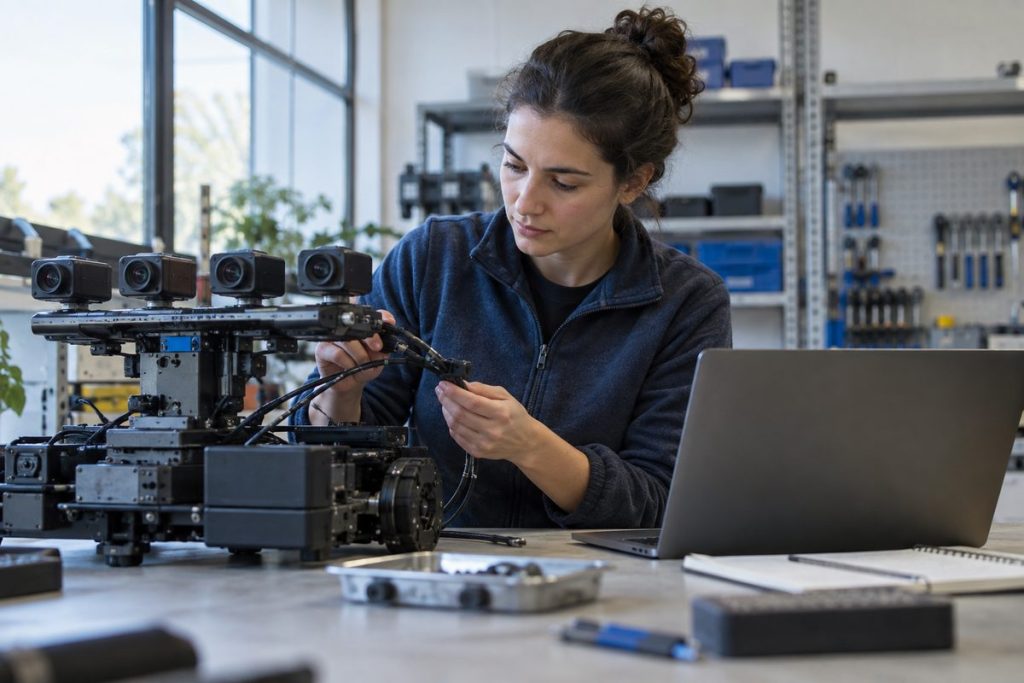
Cover image illustrates an evaluation workflow; it does not show an MScape product or a completed test.
Short answer: choose between an Orin NX and an AGX Orin robot computer by the installed workload, memory demand, camera topology, physical I/O and power envelope. The module name is a starting point; the carrier, connectors, software build and enclosure determine whether the complete computer fits. Shortlist an NX-based path when its measured workload and required interfaces fit. Evaluate an AGX-based path when memory, camera or expansion requirements exceed that validated envelope, then test the assembled robot.
Separate the module choice from the computer choice
The MScape Product Brochure 2026.7.V2 lists N100 with an Orin NX 8 GB or 16 GB configuration, and N203/N210 with AGX Orin 32 GB or 64 GB configurations. It also lists model-level interfaces and DC input ranges. These are configuration references, not evidence that a particular model, camera set or inference pipeline has been validated. A TOPS figure cannot tell you whether drivers, memory, cable routing, storage or cooling support your job.
| Decision input | NX-based N100 path | AGX-based N203/N210 path | Evidence to request |
|---|---|---|---|
| Memory and software | Brochure configurations: 8 or 16 GB. Test the actual model, pre/post-processing and concurrent services. | Brochure configurations: 32 or 64 GB. Extra capacity is useful only if the complete workflow needs and can use it. | Peak and sustained memory logs on the proposed software image, including recovery conditions. |
| Camera topology | The N100 table lists four GMSL2 inputs. Count the exact cameras and confirm each hardware/software combination. | The N203 and N210 tables each list eight GMSL2 inputs. Interface count alone does not prove camera compatibility or synchronization. | Camera model, SerDes, cable, connector, driver/JetPack version, frame format and synchronized capture test. |
| Robot installation | Check available space, mount, cable bends and input power in the actual machine. | Check the same factors; N203 and N210 have different expansion and connector arrangements. | Mechanical envelope, harness drawing, connector-side voltage and installed thermal test. |
| Next exclusion | Exclude if the measured workload, memory or interface set cannot be supported in the required configuration. | Exclude a larger path if its power, cabling or mounting burden does not fit the robot, or if added capacity has no job to do. | A documented failed requirement or validated reason for the larger configuration. |
Work the camera load before trusting a camera count
Consider a hypothetical four-camera requirement: 1920 × 1080 pixels, 30 frames/s, and two bytes per pixel after unpacking. The raw payload estimate is 4 × 1920 × 1080 × 30 × 2 = 497,664,000 bytes/s, about 498 MB/s in decimal units. This is an input inventory, not a measured N100, N203 or N210 throughput result. It excludes transport overhead, buffering, copies, ISP behavior, recording, inference and other sensors. Record actual formats and simultaneous streams, then measure the intended pipeline on the exact computer and software revision.
The same discipline applies to memory: add model weights, runtime allocation, camera buffers, mapping, logs and a project-defined margin. Do not convert TOPS directly into frames per second or assume that a larger module solves an unmeasured bottleneck. NVIDIA’s Jetson Linux power and performance documentation shows that software-visible power modes affect the operating configuration. Preserve the tested mode and software release in the comparison record.
A two-stage shortlist that avoids model-name guessing
Stage 1: decide whether the NX envelope is enough
Write the required camera, memory, network, storage, power and mounting inputs. Compare them with the N100 product path and ask for the exact revision’s interface and software details. If every requirement fits on paper, run the representative workload and an installed thermal check. A paper fit is a candidate, not acceptance.
Stage 2: choose the right AGX-based whole computer
If the NX path fails a documented requirement, compare N203 and N210 by their actual carrier interfaces, harness and power configuration. The existing N203-versus-N210 guide handles that second-stage choice. Do not describe one as merely a camera computer and the other as merely a sensor-fusion computer: the current brochure lists GMSL2 interfaces for both.
Acceptance record: capture the proposed computer and revision, JetPack/software image, power mode, camera and peripheral bill, sustained workload, memory peak, input-voltage trace, thermal condition, observed faults and exclusion decision. Request missing compatibility evidence before changing the shortlist.
For an engineering shortlist, send your workload, camera/SerDes models, memory and storage estimate, I/O list, installed power and enclosure limits, quantity and delivery country via MScape Contact. N Series products are not available for delivery to the United States or Canada.