English
 Español
 Português
 Deutsch
 한국어
 日本語
 Italiano
 Français
 العربية
 Türkçe
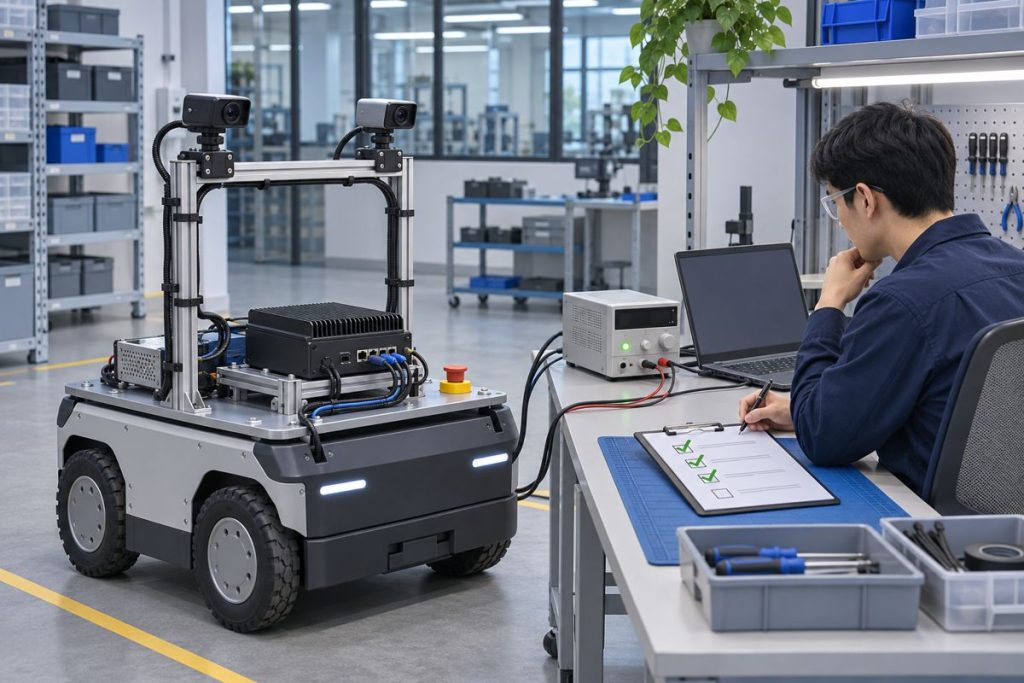
A robot can report that every ROS 2 process is running while its perception output is still unusable. The useful startup question is whether each sensor, transform, and consumer is ready before the robot accepts the next task. For components that implement ROS 2 managed lifecycle nodes, hold them inactive until their prerequisites are checked, then activate them in dependency order. Treat this as an integration method to test, not a claim that every driver or MScape computer provides lifecycle management automatically.
Define readiness before choosing a launch order
Consider a stationary mobile robot with two cameras, a localization source, and an object detector. A process supervisor may start the detector before a camera has delivered a valid frame or before the correct transform is available. The detector might publish an empty result, a stale result, or no result at all. A startup script that waits a fixed number of seconds only hides the dependency. A readiness condition should name an observable result: camera frames arrive with the expected identity and frame ID, timestamps move forward, the required transform resolves, and the consumer can process a fresh sample.
The ROS 2 managed-node design distinguishes unconfigured, inactive, active, and finalized states. Configuration is where a node can acquire resources; activation is the deliberate transition into normal work. This gives an integration team a control point, but the exact behavior depends on each node implementation. Inspect the driver’s lifecycle interface rather than assuming a package supports it.
Map the dependencies you actually have
Draw one arrow for each condition that must be true before a consumer becomes active. Camera transport and calibration precede image processing. The transform tree and time source precede fusion. A detector’s active state should follow a camera acceptance check if the detector cannot tolerate missing images. Keep actuator enablement outside this article’s perception gate; a separate safety and control design must decide when robot motion is permitted.
A useful dependency record has five columns: component, prerequisite, observable check, timeout policy, and recovery owner. For example, the camera prerequisite might be link and driver configuration; its check might be three consecutive frames with increasing timestamps and the expected resolution. The detector prerequisite might be one accepted image stream and a resolvable transform. These are proposed acceptance examples, not universal thresholds. Choose a frame count and timeout from the robot’s own startup budget and measured sensor behavior.
Run a staged startup acceptance test
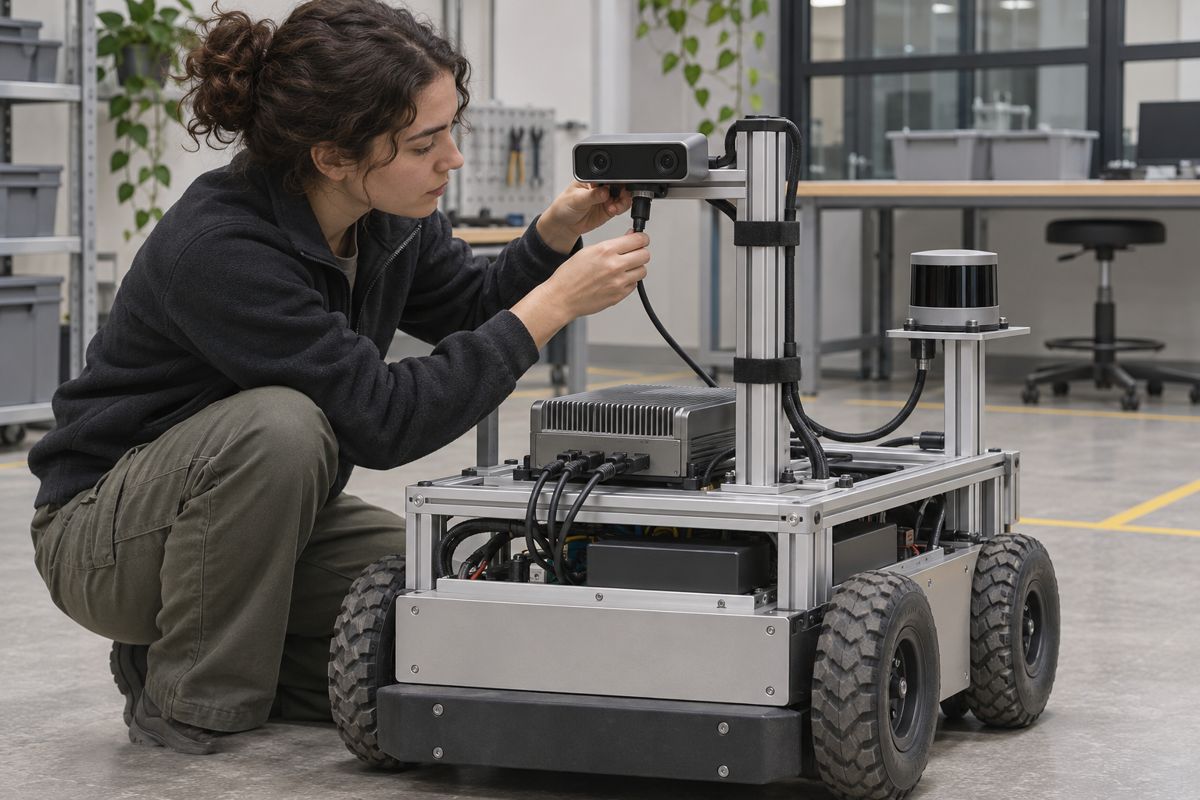
Start from a cold boot with the robot stationary. Record the software build, ROS distribution, camera firmware, calibration revision, and time-source configuration. Confirm that a lifecycle-capable sensor node reaches inactive after configuration. Check the actual image topic for the intended camera identity, frame ID, and fresh timestamp. Then activate the sensor node and watch for a sustained stream under the intended camera mode. Activate downstream processing only after its prerequisites pass. Record each transition and elapsed time so that a failed run can be compared with a passing one.
Repeat the test with one camera disconnected before power-up. A good failure response is explicit: the affected consumer stays inactive or enters a documented degraded state, the operator sees which prerequisite failed, and the robot does not silently reuse an old frame as current perception. Then reconnect the camera and test whether the system can recover through a controlled transition. If the driver cannot be restarted without restarting the whole stack, document that operational limit instead of implying online recovery.
Keep the observations in a small table for each run. Record the transition requested, transition result, timestamp, component version, and the evidence used to decide that the next component was ready. A single “ready” Boolean can conceal two different failures: the sensor never became active, or it became active but its output failed the freshness check. Preserve both signals. If a transition times out, capture the last state and the sensor-side error before restarting anything. This makes the next investigation reproducible and prevents an automatic restart loop from erasing the first useful failure.
Finally, repeat under the installed workload. The launch sequence that passes on an empty bench may fail when multiple cameras, recording, and inference compete for I/O and compute. Measure time to first valid frame, time to downstream readiness, dropped or stale frames during startup, and any repeated transitions. The relevant result is a traceable acceptance record for this robot build, not a generic claim that a lifecycle state guarantees perception quality.
Keep message delivery separate from node state
An active node can still publish data that a subscriber does not receive. ROS 2 QoS compatibility and frame-age checks therefore remain separate from lifecycle transitions. If the graph is active but images are missing, use the camera QoS and frame-age diagnostic to inspect delivery. If streams arrive but timestamps disagree, the clock synchronization acceptance guide addresses a different failure. These checks prevent a startup dashboard from being treated as proof of usable sensor data.
For an acceptance meeting, show the failure as a timeline rather than a screenshot of a green status panel. The timeline can identify when power reached the camera, when the driver configured, when the first valid image arrived, when transforms became available, and when the consumer accepted the first sample. Compare this with the robot’s task-start deadline. If the camera is physically ready but the consumer still waits, the bottleneck may be software orchestration. If frame arrival is late or intermittent, examine the sensor and transport path before changing lifecycle logic.
What to bring into a hardware discussion
The startup method does not depend on a specific computer model, but your sensor and interface plan does. The N Series computer overview is a starting point for matching the camera count, physical interfaces, compute load, power budget, and installed environment. Do not infer a tested ROS driver combination or guaranteed startup time from a product description. Ask for the exact hardware revision and software environment relevant to your build.
When you contact MScape about a robot-side computer, send the robot type, sensor list, camera modes, ROS distribution, required startup time, power supply, and the failure behavior your operator needs. Include one failing and one passing startup trace if available. That turns a broad hardware inquiry into a reviewable integration requirement.