English
 Español
 Português
 Deutsch
 한국어
 日本語
 Italiano
 Français
 العربية
 Türkçe


A software update is not complete when a Jetson-based robot computer boots once. The useful acceptance result is that the intended image, drivers, sensors, application, and recovery path work together after an interrupted or failed update. Plan a rehearsal on the exact board, storage layout, Jetson Linux release, and robot workload before a field rollout. NVIDIA documents image-based OTA and root-file-system redundancy for supported configurations, but those features must be verified for the actual supplied computer and BSP; they should never be assumed from the Jetson module name alone.
Freeze the update target and recovery boundary
Write down the current and target Jetson Linux and JetPack versions, board revision, BSP, boot firmware, storage device, partition layout, application build, drivers, camera firmware, and calibration files. This is more useful than a vague instruction to “update to the latest version.” NVIDIA’s software update documentation distinguishes package updates from image-based OTA. The supported path and preparation depend on the source and target releases and the image layout. Choose one route only after comparing those conditions with the supplier’s actual build.
Decide what must survive an update. Examples include calibration, robot identity, logs needed for diagnosis, certificates, and application configuration. List each path, owner, backup method, restore check, and rollback expectation. A file being present after reboot is insufficient if the application reads a different revision. Preserve a copy outside the device for a recovery rehearsal, and protect credentials according to your own security policy.
Include deployment packaging in that manifest. An application container, model file, kernel module, and camera driver may each have a different owner and release cycle. If only the root file system is updated, an externally stored model or configuration can remain at an older revision. If the application is updated separately, the new code might expect a driver or calibration format that the image does not supply. Record these compatibility edges before selecting an update order. The goal is a testable version pair for the complete robot, rather than several components that each appear current on their own.
Separate boot recovery from application recovery
On supported Jetson configurations, NVIDIA describes rootfs A/B redundancy as two root file systems with selection and failover behavior. That mechanism concerns system bootability. It does not prove that your camera driver, inference engine, ROS graph, or robot application will operate correctly. A newly booted image can still load an incompatible driver or a stale model file. Your acceptance plan therefore needs two gates: system boots into the intended image, and the installed robot workload passes its functional checks.
Also distinguish failover from an arbitrary downgrade. NVIDIA documents rollback protection for some Jetson components. Security version ratcheting can constrain older boot components. Ask the supplier to identify the supported recovery image and limits for your exact configuration. Do not promise that every previous image can be restored.
Build an acceptance matrix around failures
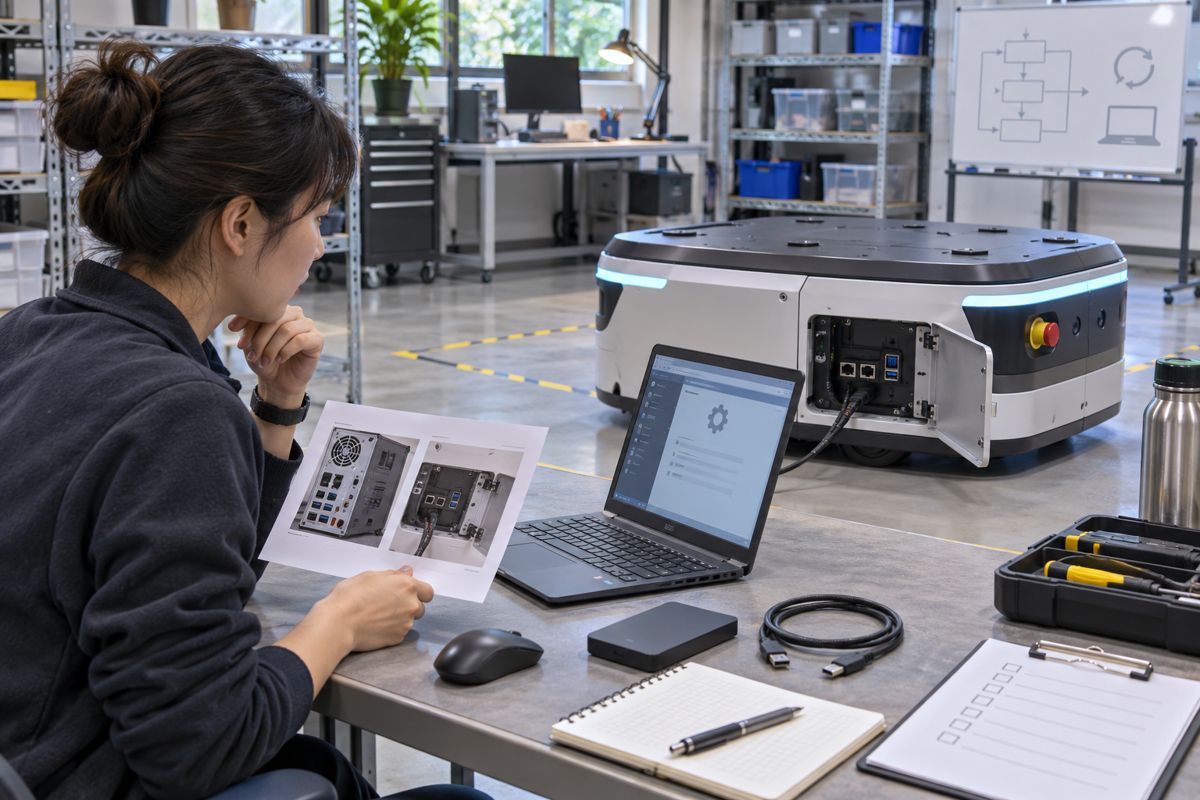
Begin with a known-good baseline. Capture the version manifest and a short workload trace: camera streams, sensor timestamps, inference output, storage writes, network connection, and a clean shutdown. Apply the chosen update in a controlled lab setting. Record payload identity, start and end time, active boot slot where applicable, and any operator action. After the first boot, compare the manifest with the target and repeat the workload trace. The robot should remain stationary until the application’s own safety checks allow operation.
Then rehearse a failure that your procedure explicitly supports. That may be an application service failing its health check, a missing camera after reboot, or a controlled interruption during a documented update stage. Do not improvise power removal during firmware writes. Record the expected response, how the operator detects it, how the system returns to a known state, and what evidence remains. A supplier may support recovery through a service image or reflashing rather than automatic slot failover; the acceptance record should describe the actual route.
Use a simple matrix with rows for clean update, application failure, sensor mismatch, and supported interruption. Columns should show expected boot state, application state, preserved data, recovery action, and time to return to service. Set the time target from your deployment requirement and verify it on the installed robot. This matrix is a proposed planning tool, not a measured MScape performance result.
Run the matrix more than once if the robot will be updated remotely. A single successful lab update does not establish the behavior of a fleet with different storage wear, network conditions, or power histories. Choose representative installed configurations, keep a rollback or service route available for each, and record which failures require a technician. If the deployment has no reliable network, plan how the payload and recovery media reach the machine. If a technician must open the enclosure, include that service step and the associated downtime in the acceptance result.
What the hardware inquiry needs to resolve
The existing configuration-control guide explains how to freeze a repeatable build. The update rehearsal begins after that baseline exists and asks a narrower question: can this exact build move to a new image and recover when a gate fails? When comparing an N Series robot computer, ask which BSP, storage layout, update method, service access, and recovery process are supported for the specific unit. A module-level NVIDIA feature is not automatically a delivered system feature.
To discuss the update requirement with MScape, send the current and target software versions, proposed quantity, storage and security requirements, camera and driver stack, field connectivity, acceptable service interruption, and delivery country. A version manifest and failure matrix will let both teams evaluate a concrete recovery path before deployment.