English
 Español
 Português
 Deutsch
 한국어
한국어 日本語
日本語 Italiano
 Français
 العربية
 Türkçe
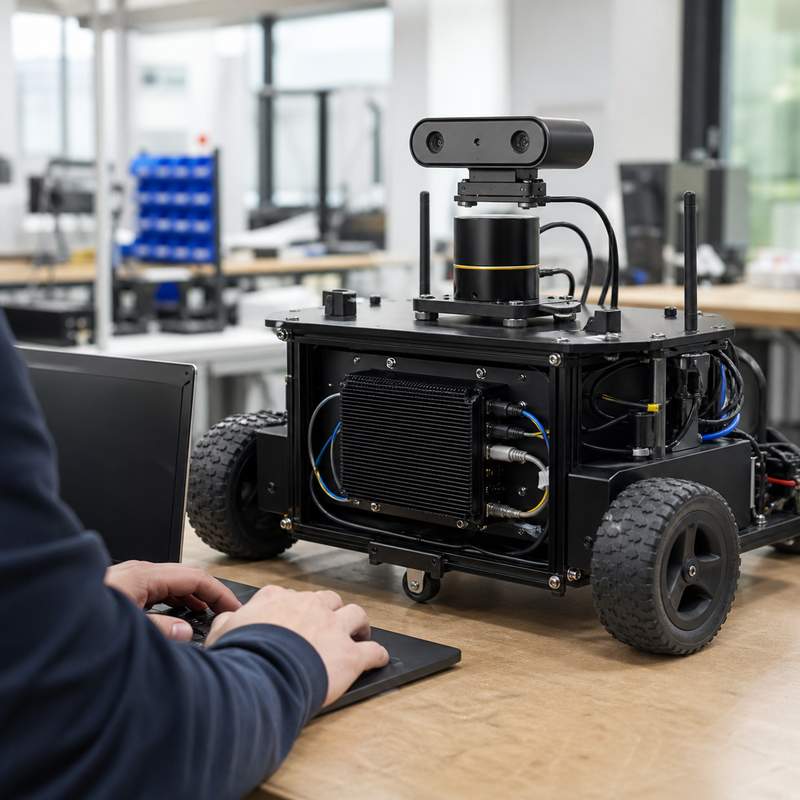
Choosing a compact robotics edge AI computer early can prevent a promising robot prototype from becoming an integration dead end. The right evaluation is not a processor-only comparison: it starts with the robot’s sensing, interfaces, installation envelope, power path, and validation plan.
What should an early robot platform prove first?
An early platform needs enough computing hardware to make the intended robot loop observable and testable. That may include acquiring camera or depth data, running a perception workload, publishing results to the robot software stack, recording diagnostics, and handing decisions to the appropriate control and safety functions. The edge AI computer is one part of that architecture. It is not automatically a robot controller, motion controller, or safety device.
Start from the smallest representative end-to-end workload. For example, an indoor inspection prototype might ingest one or two camera streams, execute an object or anomaly model locally, log events, and exchange messages with navigation software. This is more useful than demonstrating an isolated model on a bench, because it exposes cabling, synchronization, storage, power, and enclosure issues while changes are still inexpensive.
A practical evaluation framework for compact robot-side compute
| Evaluation question | Evidence to request or create | Why it matters early |
|---|---|---|
| What enters the computer? | Sensor list, connector types, data paths, camera placement, and ownership of every adapter. | Prevents a camera or bus requirement from appearing after the enclosure is designed. |
| What runs locally? | A workload map: acquisition, preprocessing, inference, middleware, logging, and monitoring. | Separates a useful robot-side task from a vague “AI-ready” requirement. |
| How does it communicate? | Interface map for Ethernet, CAN, serial, USB, or other required links, plus the software owner for each. | Finds integration boundaries before hardware choices become fixed. |
| Where is it installed? | Mechanical envelope, cable bend allowance, connector access, mounting approach, and service procedure. | Compact hardware still fails a program if it cannot be installed or replaced practically. |
| What powers it? | Power-source assumptions, startup and shutdown behavior, grounding plan, and recovery behavior after interruption. | Turns a bench demo into a system-level test rather than an optimistic assumption. |
| How will the team validate it? | A repeatable test sequence with logs, known inputs, pass criteria, and fault cases. | Creates evidence that can survive a handoff from prototype to product engineering. |
Design the sensor-to-decision path before selecting hardware
Draw one simple path for each critical function: sensor, transport, acquisition, compute workload, robot software message, downstream actuator or control interface, and diagnostic record. Mark which component owns calibration, timestamps, retries, and fault reporting. A compact edge AI computer can support the perception and communication portions, but the architecture must retain appropriate dedicated control and safety responsibilities.
This map also makes trade-offs visible. A prototype with a single camera and a narrow inference task may prioritize compact installation and a straightforward development path. A design that is becoming camera-rich, sensor-fusion heavy, or network intensive may need a different N Series model path and a fresh interface review rather than forcing every future requirement into the first compact configuration.
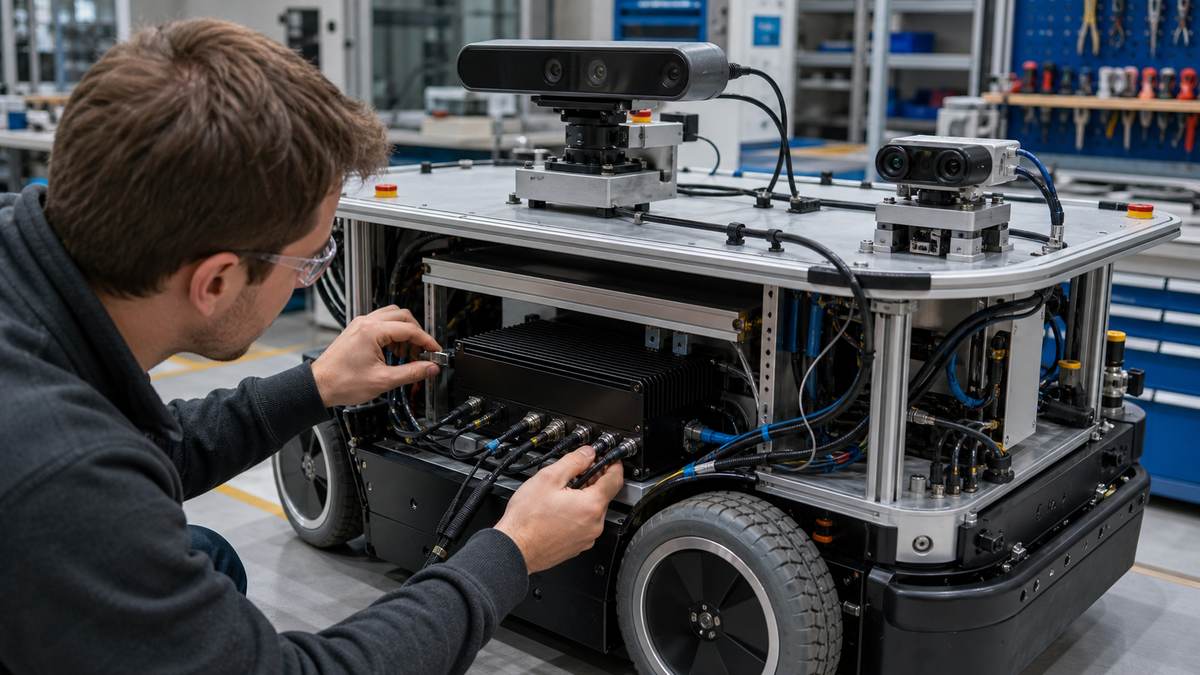
Common early-stage failure modes
| Failure mode | Early warning | Better response |
|---|---|---|
| The demo works only with loose lab cables. | Disconnecting or moving the robot changes results. | Install production-intent routing, strain relief, and connector access before measuring the full workflow. |
| The model works, but system observability is missing. | No record connects a sensor event to an inference output or software action. | Add logs and health signals along the complete path; review them after planned fault cases. |
| The compact fit hides a future I/O gap. | New cameras or industrial links are proposed after the mechanical layout is frozen. | Keep a change budget and re-check the sensor and interface map at each program gate. |
| Power behavior is treated as an accessory detail. | The prototype is tested only from a lab supply. | Test expected power transitions and recovery behavior with the intended machine-side power design. |
Where MScape N100 fits—and where it may not
For a compact early robot integration, assess the MScape N100 compact robotics edge AI computer against the complete sensor, interface, mounting, and workload brief. Its current product URL is useful for product evaluation; the selection should still be based on verified current documentation and the installed robot test. Treat it as robot-side computing hardware, not as a substitute for dedicated control or safety components.
If the design expands into multi-camera perception, evaluate the MScape N203 multi-camera edge AI computer as a separate path. If sensor fusion and industrial interconnect become central, review the MScape N210 robotics edge AI computer. The N Series product overview provides the wider starting point; a model should be selected only after the architecture is clear.
Five-step validation sequence
- Freeze a representative sensor and interface map for the next prototype build.
- Install the computer with intended cables, mounting, and access constraints.
- Run the actual local workload and capture system logs from input through software handoff.
- Exercise planned degraded cases such as a disconnected sensor, unavailable network service, or controlled restart.
- Record the open limits, evidence, and changes needed before the next robot revision.
FAQ
Is a compact edge AI computer the same as a robot controller?
No. It can run robot-side perception, inference, communication, and application workloads, but that does not make it a dedicated robot, motion, or safety controller. Keep those architectural roles explicit.
What is the best first benchmark for a robot computer?
Use the smallest end-to-end workload that reflects the intended robot: real sensor input, the local workload, middleware handoff, logging, and installed power and cabling conditions.
When should a team move beyond a compact configuration?
Re-evaluate when the required camera topology, sensor fusion, interfaces, local workload, thermal envelope, or service access no longer fits the original architecture. A model change should follow evidence, not guesswork.
For a complementary evidence-first approach, read How to Validate ROS 2, EtherCAT, and CAN FD in a Robotics Edge AI Computer.