English
 Español
 Português
 Deutsch
 한국어
한국어 日本語
日本語 Italiano
 Français
 العربية
 Türkçe
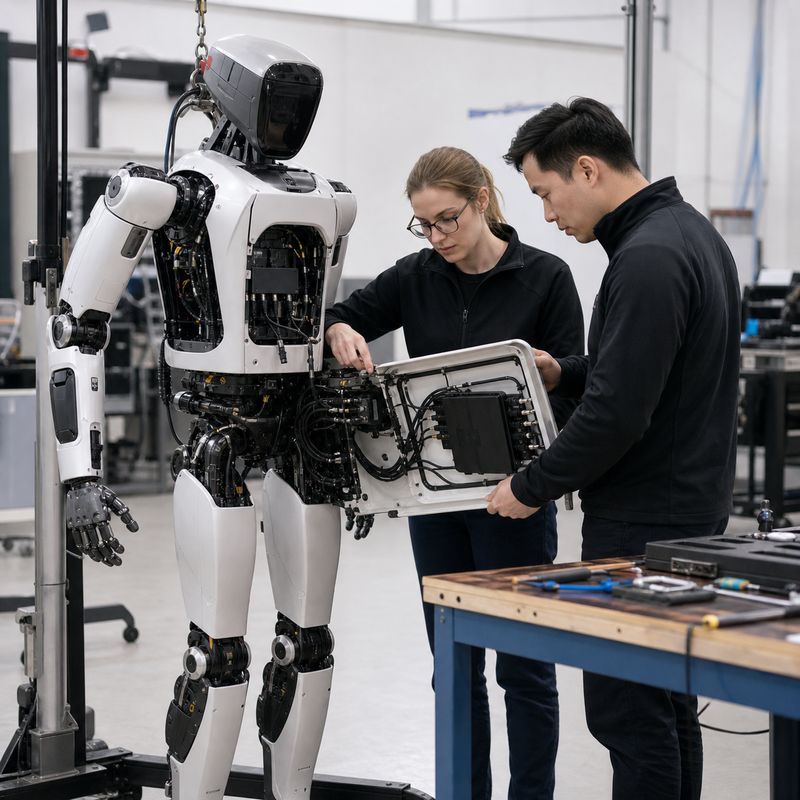
Short answer: choose a high-performance robotics edge AI computer by proving that the complete robot workload fits: concurrent perception, model memory, sensor interfaces, storage, power, thermal behavior, and recovery after a fault. Compute capability matters, but a robot is only ready when the installed system remains observable and maintainable under representative workload.
Teams building humanoids, autonomous mobile machines, inspection systems, or sensor-rich industrial robots can outgrow a bench setup long before they outgrow an AI model. The visible symptom may be a dropped camera stream, a model that cannot coexist with mapping, or a package that behaves differently after it is mounted inside the machine. A high-performance robotics edge AI computer should therefore be evaluated as robot-side hardware within an architecture—not as an isolated headline number.
What “high performance” should mean for a robot
For robotics, high performance is the usable headroom to run the intended workload together. That workload may include camera acquisition, perception inference, sensor processing, mapping or localization, data logging, communications, and supervision software. The right target is not the largest theoretical configuration; it is the configuration that preserves a known operating margin once the real cameras, cables, enclosure, software services, and diagnostic tools are present.
This is also why an edge AI computer is not automatically a robot controller. The computer can process observations and publish action-oriented information, while dedicated motion and safety functions retain the responsibilities assigned to them by the robot architecture. Define those handoffs before hardware selection, especially for a machine that must enter a test cell or customer environment.
Start with a workload map, not a specification shortlist
Write down each workload and the data it needs before comparing products. The map should identify what runs continuously, what runs only during a task, what must be logged, and what may be degraded or paused when the robot is in a safe state.
| Workload area | Questions to answer | Evidence to collect |
|---|---|---|
| Perception | How many camera and sensor paths run together? What calibration and preprocessing are required? | Representative recordings, sensor topology, model versions, and a concurrency test plan. |
| Inference and memory | Which models share memory? What happens when a second service starts? | Measured peak memory, service-start sequence, and a defined overload behavior. |
| Interfaces | Which camera, network, storage, serial, and industrial communication paths must be present? | Connector map, cable lengths, adapter ownership, and a fault-injection checklist. |
| Installed design | Where does heat go? How is power conditioned? Who can service the unit? | Mounting drawing, power-up/down behavior, thermal test record, and service access review. |
Architecture decisions that expose risk early
Separate critical machine functions from AI workload changes
Perception models and robot applications change frequently. Keep the interface from those workloads to dedicated motion and safety functions explicit and reviewable. A useful design records the message contract, coordinate frames, confidence or rejection rules, timeout handling, and the response when a perception result is unavailable. This lets a team improve the AI workload without silently changing the machine’s fundamental control boundaries.
Test the data path at full system concurrency
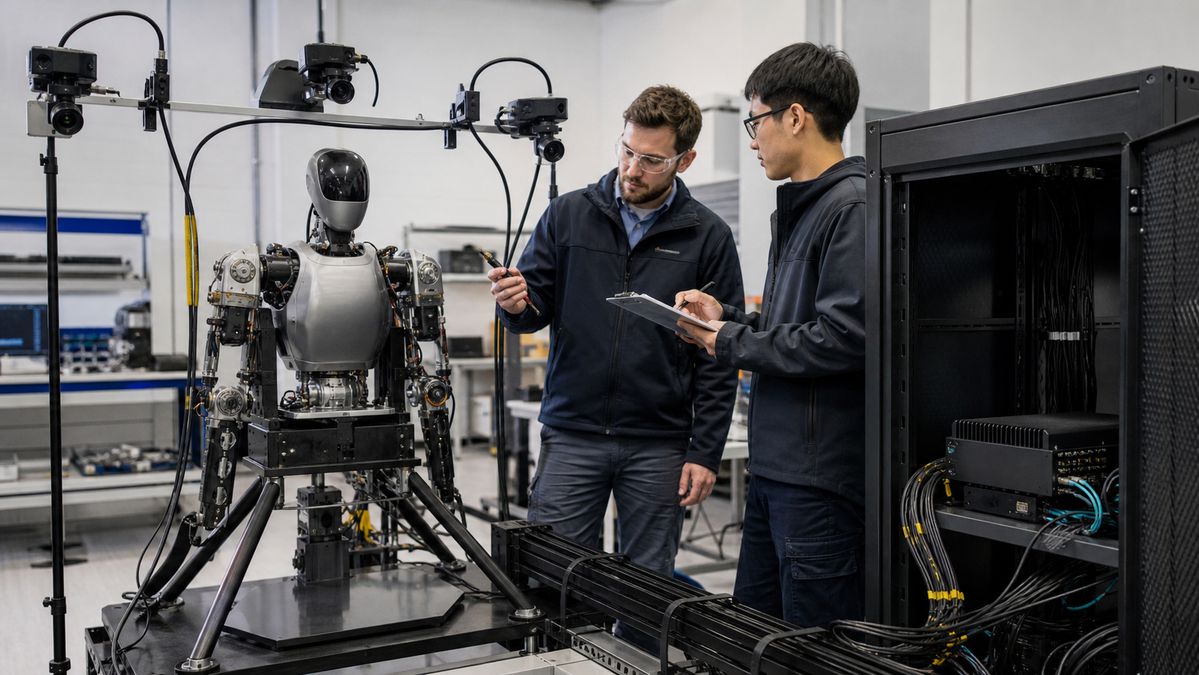
A robot can appear stable when each camera or model runs alone. The relevant test is the intended combination: sensor acquisition, inference, logs, networking, and operator diagnostics active at the same time. Record the machine state, input set, software build, and result so a later integration change can be compared with the same baseline.
Common failure modes—and what to validate
| Failure mode | Why a bench demo misses it | Validation action |
|---|---|---|
| Resource contention | Individual services pass, but concurrent services compete for compute, memory, storage, or network capacity. | Run the representative workload mix and define which noncritical service is reduced first. |
| Integration drift | An adapter, firmware setting, or camera configuration differs from the documented build. | Version the interface map and repeat a known sensor-capture test after every change. |
| Installed thermal behavior | Open-bench airflow is unlike the final enclosure or vehicle bay. | Test in a representative enclosure with the intended mounting and realistic duty cycle. |
| Unclear restart behavior | A manual lab recovery hides what occurs after a power interruption or service crash. | Exercise power, service, storage, and communication recovery with a documented safe-state response. |
When an N1000 path is appropriate
Once the workload map shows a compute-heavy robot-side task, review the MScape N1000 high-performance robotics edge AI computer as a solution path. It is positioned for advanced embodied-AI and compute-heavy robot workloads; confirm the current product documentation, integration interfaces, power design, and mechanical fit against the final system before selection. The broader MScape N Series robotics edge AI computer range provides the starting point for a model-fit discussion.
An N1000 path is not necessarily the best fit when the decisive requirement is a compact camera-focused deployment or a lower-complexity embedded installation. In that case, begin with the engineering requirements and review the relevant N Series option rather than adding capacity without a verified system need. For context on how robot-side hardware supports perception and action-oriented workloads, see what an embodied AI computer is.
A practical selection sequence
- Capture representative sensor recordings and document the intended concurrent services.
- Define the handoff from perception and planning software to dedicated motion and safety functions.
- Review interfaces, storage, mounting, power, thermal path, and service access as one installed design.
- Run a repeatable workload, recovery, and diagnostic test before locking the configuration.
- Request configuration and integration evidence from the supplier, then retain the results with the robot build record.
For application context across autonomous machines, explore MScape robotics application cases. For company background and engineering credibility, see About MScape.
FAQ
Is a high-performance edge AI computer the same as a robot controller?
No. It can support perception, inference, sensor processing, communications, and action-oriented software, but the robot architecture should keep dedicated motion and safety responsibilities explicit.
How much compute headroom should a robotics team plan for?
There is no universal percentage. Establish it from representative concurrent workloads, expected software changes, and a defined degradation or recovery approach; document the result rather than inferring it from a benchmark alone.
What should procurement request before choosing hardware?
Ask for current documentation, an interface and configuration review, integration ownership, thermal and power assumptions, validation evidence, change-control expectations, and a support handoff that matches the robot program.