English
 Español
 Português
 Deutsch
 한국어
한국어 日本語
日本語 Italiano
 Français
 العربية
 Türkçe
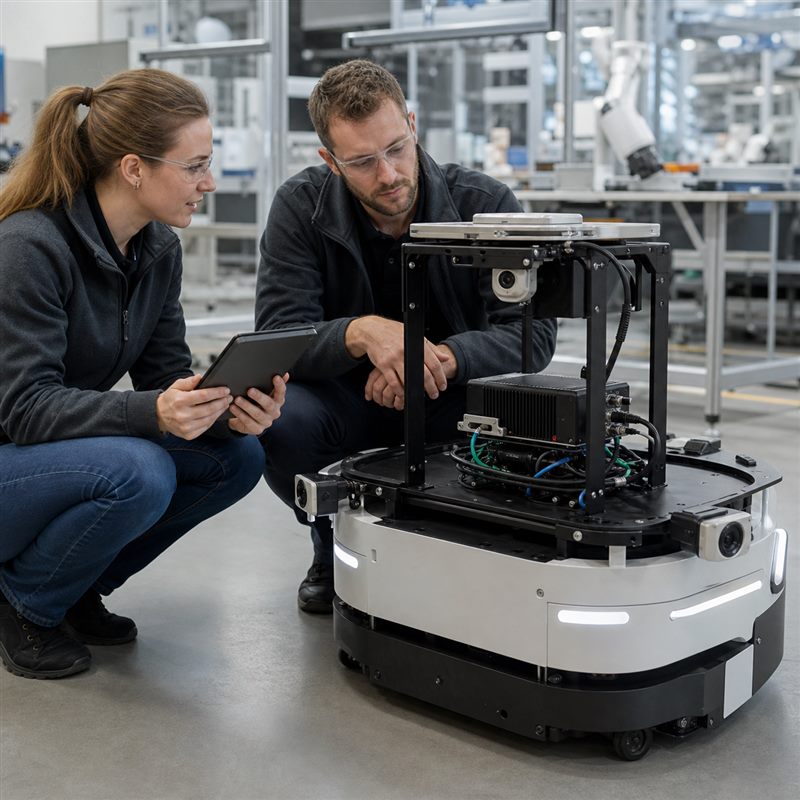
A robot may need a forward view to observe its surroundings, a close view of a workpiece, and another view to check what happened. Multi-camera robot vision works best as a set of defined jobs, not a target camera count. Decide what each view must reveal before deciding where to process it. Adding another camera can answer a missing question, but it also adds data and integration work.
Start with what the robot needs to see
Consider a mobile robot that approaches a station and then handles a small object. A wide view can show the station, while a closer view may reveal the object’s orientation. Those images do not necessarily need the same resolution, update rate or processing. This is an illustrative architecture, not a tested MScape deployment.
| Question | Possible view | What the view cannot establish alone |
|---|---|---|
| Where is the work area? | A wider scene view | Whether a small feature is clear enough for manipulation |
| Where is the target relative to the tool? | A closer or tool-mounted view | Whether the rest of the robot has a clear path |
| Did the intended change occur? | A view of the object or destination after the action | Every aspect of contact, grip force or product quality |
The useful question for an extra camera is: which decision becomes better informed? If two cameras cover the same scene without resolving a specific uncertainty, the additional view may not justify its cost and complexity. If a gripper blocks the only useful view, a different position may be more useful than a more powerful computer.
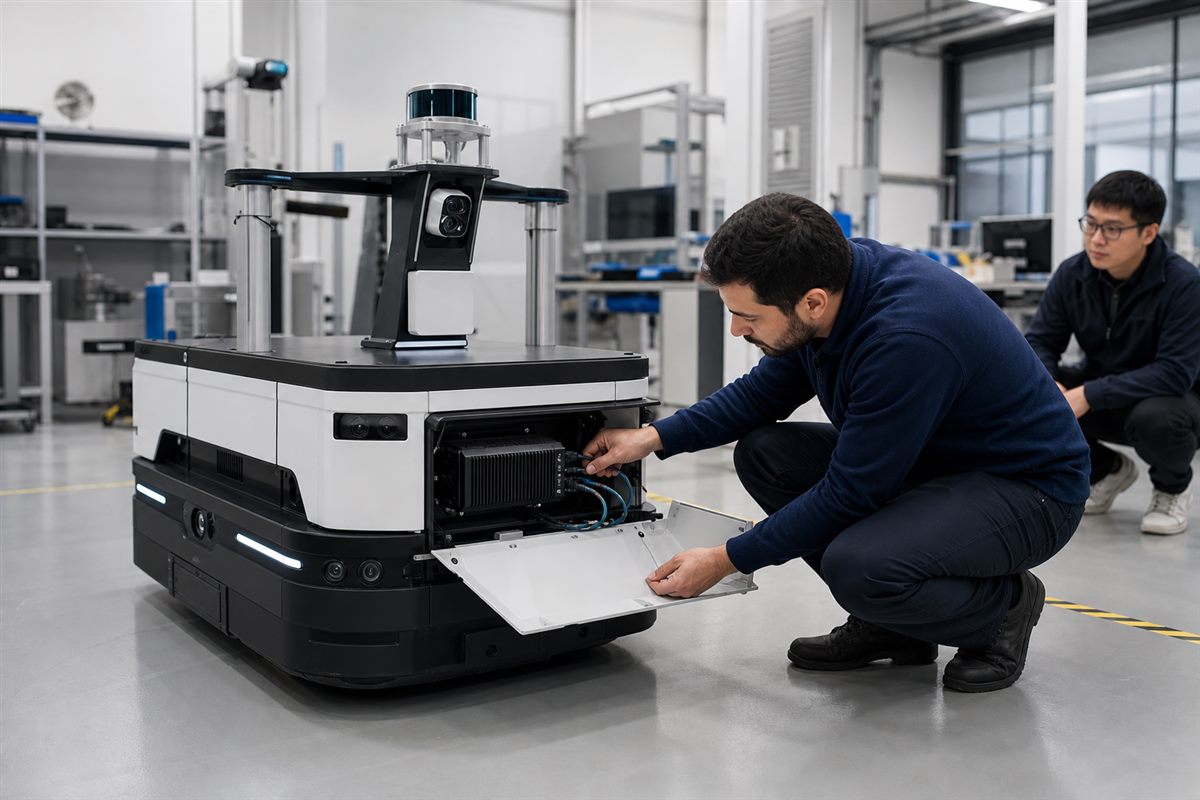
Different views do not always need to become one image
Some applications need to combine observations of the same scene. Others can use separate camera tasks: one reads an identifier, another checks the destination. Do not assume that every camera must feed one large AI model.
For a combined observation, the team needs to understand how the views relate in space and time. For separate tasks, a clear association with the correct object or job may matter more. Moving the computer physically closer does not, on its own, synchronise camera exposures or make observations agree.
Where should the images be processed?
There is no single arrangement for every robot. Use the following comparison to frame a discussion with the system designer; it is not a performance ranking.
| Arrangement | Why consider it? | Tradeoff to clarify |
|---|---|---|
| Several cameras feed one onboard computer | Related observations and applications can share one processing location. | Camera support and combined processing, storage and power requirements must fit that computer. |
| Some processing happens at individual cameras or separate nodes | A sensor can supply a result instead of sending every image onward, if the chosen device supports it. | Software versions, result formats and timing must remain understandable across devices. |
| Selected images or results go to a remote system | Useful for review, reporting or work that can tolerate the agreed connection conditions. | Decide what the robot can do when the connection is unavailable; do not assume remote processing is always suitable. |
A connection is only part of the camera path
A matching connector is not proof that a particular camera works with a particular computer. The camera, supporting electronics, driver and software release form a configuration that needs confirmation. NVIDIA’s camera development documentation treats camera software and sensor drivers as explicit parts of that work. It does not certify an individual MScape camera combination.
The GMSL2 and Jetson compatibility article covers those questions in more detail. Keep them separate from the earlier decision about which views the application actually needs.
Where an N Series computer fits
The MScape 2026.7.V2 brochure lists Jetson AGX Orin configurations and eight GMSL2 inputs for the N203 multi-camera computer. That makes it a candidate for evaluating supported multi-camera configurations, not a guarantee that any eight cameras or workloads will run together.
Before comparing computers, prepare a short camera-role map: what each view observes, what output it should produce, and which other task uses that output. Mark unknown camera models and software requirements as unknown. This gives a supplier something more useful than a request for the largest camera count.
Choose the views before choosing the box
Use the N Series OEM comparison once the camera roles are clear. Compare the proposed interfaces and installation against that map rather than treating the number of ports as the solution.