English
 Español
 Português
 Deutsch
 한국어
 日本語
 Italiano
 Français
 العربية
 Türkçe

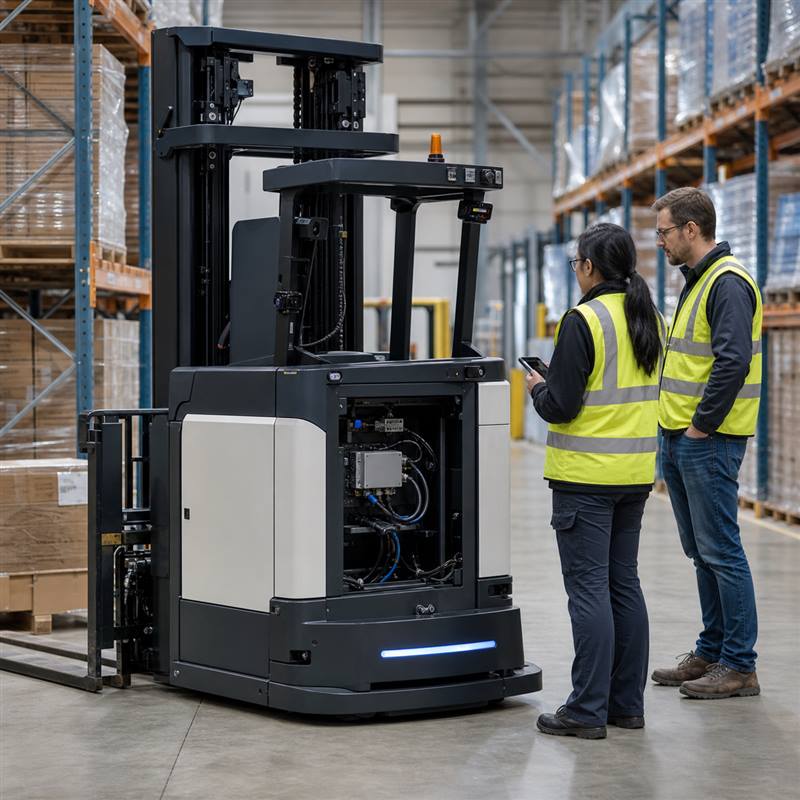
Robot-side AI inference should be chosen by the consequence of waiting, not by a blanket rule that every model must run locally. The practical question is which perception and decision workloads must remain available when connectivity is weak, delayed, or intentionally unavailable—and how the robot behaves when a local model is unavailable.
Short answer
Keep robot-side AI inference local when a workload directly affects the machine’s current perception, navigation, or task response and cannot safely wait for a network round trip. Keep fleet analytics, model training, long-horizon reporting, and non-urgent review in connected infrastructure. Validate the boundary with recorded sensor data, disconnected-operation tests, resource monitoring, and an explicit fallback behavior.
Start with the workload, not “cloud versus edge”
“Local inference” means a model runs on computing hardware installed on, or directly attached to, the machine. It is a workload-placement decision. It does not mean the robot becomes independent of every service, and it does not turn an edge AI computer into a robot controller. Dedicated safety, actuator, and motion functions should retain their own designed responsibilities.
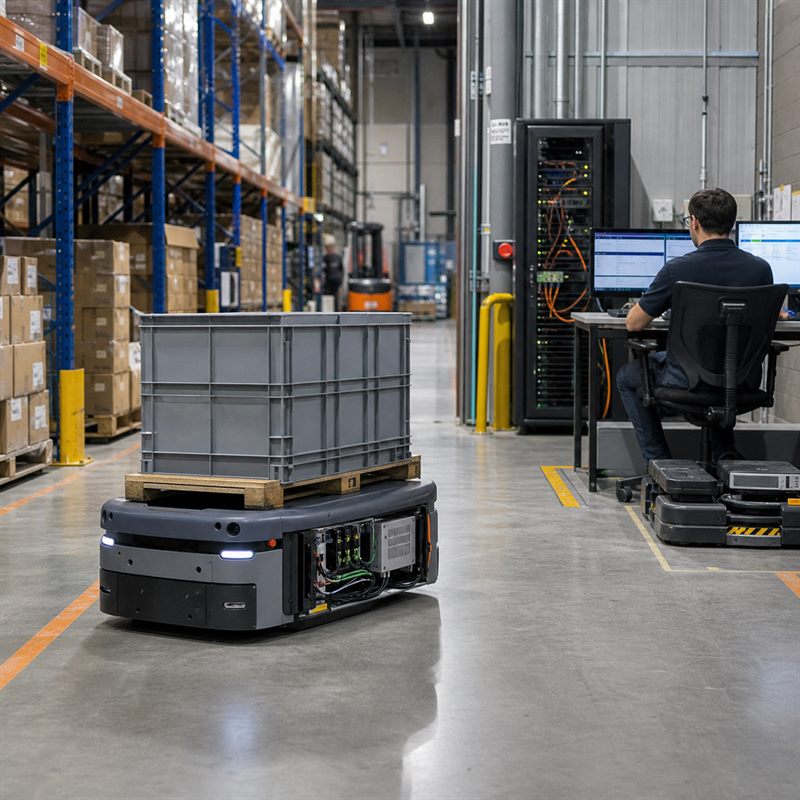
For a warehouse AMR, a camera model that identifies a transient obstruction may need a local result because the scene is changing around the vehicle. A fleet report showing aisle congestion can tolerate a later upload. The same distinction applies to inspection robots, autonomous forklifts, drones, cobot vision cells, and mobile machines.
Classify each inference path before selecting hardware
| Workload | Typical placement | What to validate |
|---|---|---|
| Camera perception, localization input, or near-field obstacle interpretation | Usually robot-side when the result informs the current machine state | Sensor arrival, model execution under sustained load, loss-of-connectivity behavior, and the handoff to the robot’s existing control architecture |
| Sensor fusion and local scene representation | Robot-side when multiple live sensors are needed for the current task | Timestamp handling, interface stability, data loss, restart behavior, and cable/power integration |
| High-level task assistance or operator interaction | Local, remote, or hybrid depending on the permitted wait and fallback | What the machine does while a response is absent, delayed, or rejected |
| Fleet analytics, training, archival, and aggregate reporting | Connected infrastructure is often appropriate | Upload policy, privacy boundaries, synchronization, and retry rules |
Use a local-inference decision test
For every candidate model, ask what changes in the physical environment while the result is pending. Can the robot continue in a defined conservative state if it arrives late? Does the task need live sensor data that must stay on the machine or site? What happens after the application, camera or network connection restarts?
If the environment changes during the wait or the task depends on live local data, test robot-side inference. An unclear response to delay or restart is a deployment risk, not a reason to add more compute. Write down the degraded behavior before the bench test: slow, pause, request operator attention, use a non-AI fallback, or stop according to the system’s established safety design.
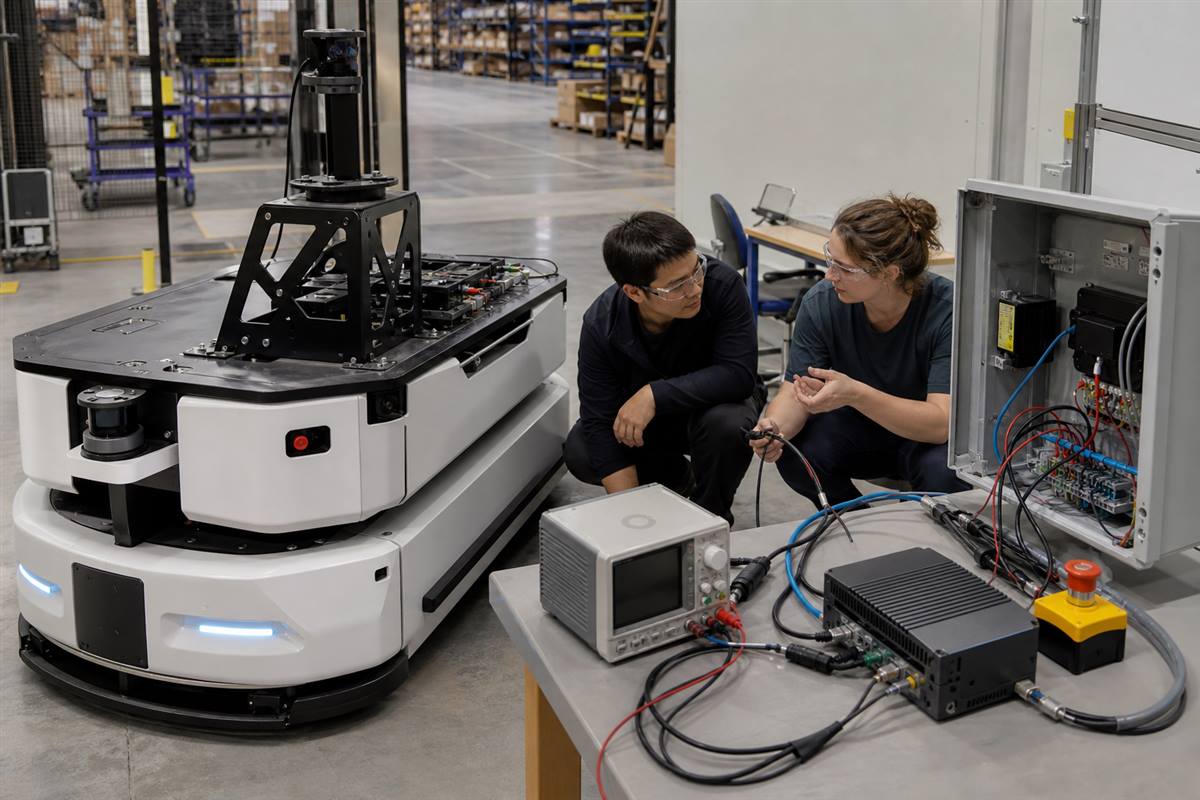
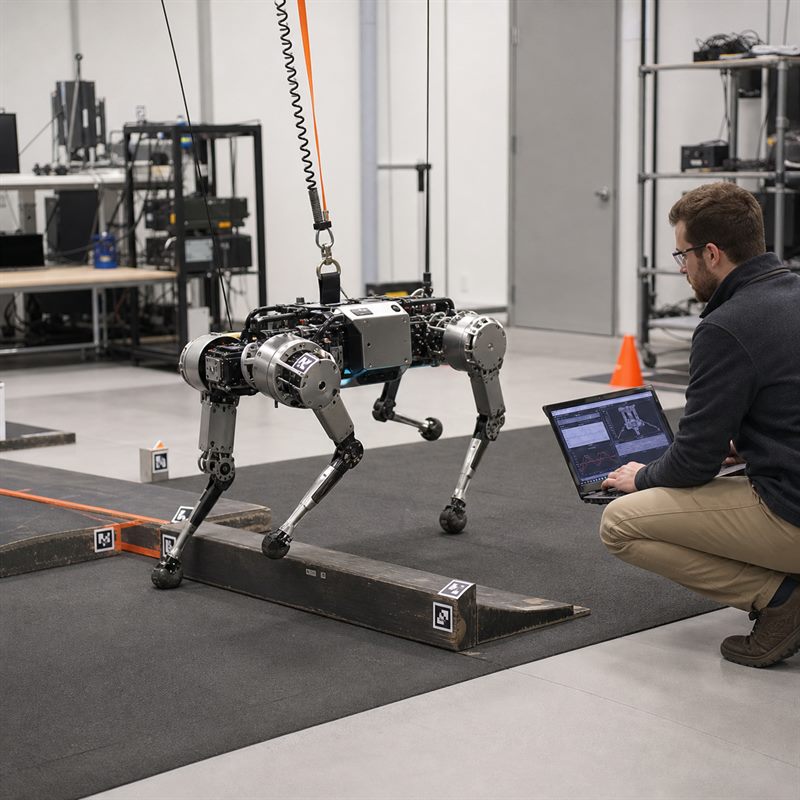
A useful validation bench keeps sensor, inference, power, communication, and dedicated control responsibilities visible as separate paths.
Failure modes that a demo can hide
| Failure mode | Why a demo misses it | Validation action |
|---|---|---|
| Inference competes with sensor or logging workloads | A short test may run only one workload | Replay representative sensor streams while recording compute, memory, storage, and thermal state |
| Network loss changes behavior unexpectedly | Lab connectivity is stable | Run a controlled disconnected-operation test and check the stated fallback state |
| Camera or interface restart leaves stale data | Interfaces are connected before the demonstration begins | Restart one input at a time and verify timestamps, health checks, and recovery logic |
| Installation changes the power or thermal envelope | The computer is tested on an open bench | Repeat the workload in the intended enclosure with the intended power path and cable routing |
A practical validation sequence
- Map each sensor to the process that consumes it and identify the result that affects the current task.
- Define the acceptable degraded behavior before disconnecting anything.
- Replay representative data locally, then add concurrent recording and communication loads.
- Test input restart, storage pressure, and controlled loss of external connectivity.
- Repeat in the planned enclosure and document power, thermal, service, and cable-access observations.
- Review the evidence with the robotics, electrical, software, and procurement owners before selecting the production configuration.
Benchmark a stream, not a single call
A single inference duration leaves out how inputs arrive and how outputs are consumed. Measure a continuous stream with the intended preprocessing, batch behavior, postprocessing and concurrent services. Record both completed outputs per second and their age when used.
Distinguish a throughput objective from a freshness objective. Batching can improve utilization while making an individual observation wait. For a task with a tight age limit, compare the full latency distribution rather than choosing the batch with the highest aggregate output rate.
Keep a reference set for task quality when changing precision or model settings. A faster output that no longer meets the task’s accuracy or uncertainty condition is not an improvement. Compare timing and useful-result quality in the same configuration record.
Where MScape N Series hardware fits
If the architecture is compact and connectivity-focused rather than compute-heavy, review the MScape N201 embedded AI computer path instead. For broader model and interface selection, start at the N Series product overview and relate the requirement to the intended robot application.
Worked scenario: warehouse vehicle perception
A team wants to upload camera streams for remote analysis while keeping local perception available during a weak-coverage aisle. The design separates the local perception path from the optional upload path. During validation, engineers disconnect the external link, replay the representative camera load, confirm the documented degraded behavior, and then test the same arrangement inside the vehicle enclosure. That evidence is more useful to a buyer than a generic claim about “offline AI.”
Turn a workload map into an integration review
Explore relevant deployment contexts in MScape application cases, then compare this validation method with the N Series robotics edge AI computer selection guide. For a model-fit discussion, contact MScape with the robot type, camera count, sensor stack, control bus, local workload, power budget, enclosure constraints, and deployment timeline.
Keep the Jetson power setting fixed while comparing inference timing; see NVIDIA Jetson power modes and monitoring.