English
 Español
 Português
 Deutsch
 한국어
한국어 日本語
日本語 Italiano
 Français
 العربية
 Türkçe
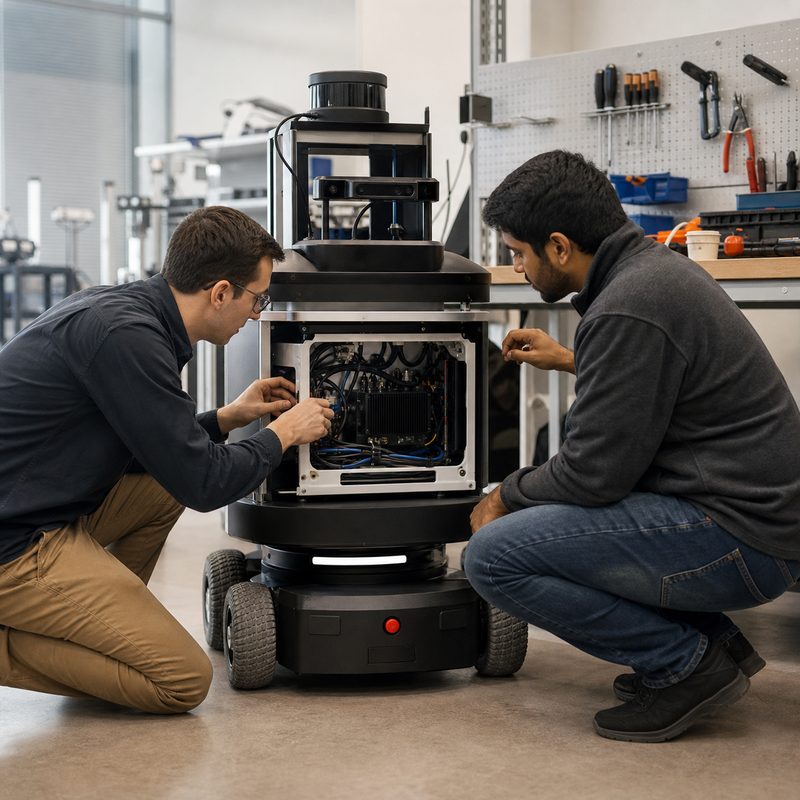
Short answer: moving from a robotics development kit to a deployable edge AI computer means validating the whole installed system: interfaces, power behavior, thermal path, mounting, cable retention, software recovery, and service access. The right computer is the one that supports the intended robot workload while giving the team evidence it can be integrated and maintained in the machine.
A development kit can be an excellent way to prove a perception model or bring up a sensor. It is not automatically the final robot-side computer. A bench often has easy airflow, short cables, an accessible power supply, and an engineer nearby to restart a service. A mobile robot, inspection machine, drone, or cobot cell has different constraints. The transition is therefore an engineering decision, not simply a change of enclosure.
What changes when a robotics prototype becomes a product
A prototype asks, “Can this workload run?” A deployable design asks additional questions: “Can the required sensors stay connected? Can the computer be mounted and powered predictably? Can the team reproduce the software build? Can a technician diagnose an issue without rebuilding the robot?” These questions matter for embodied AI hardware because perception and inference are connected to a physical machine, its environment, and its maintenance process.
An edge AI computer is also not automatically a robot controller. It can perform perception, inference, sensor processing, communications, and action-oriented workloads. Dedicated motion and safety functions should remain explicit in the robot architecture. Define the message handoffs, rejection behavior, and safe-state response before selecting the production hardware.
Use a deployment evidence checklist
Before replacing a development kit, turn the prototype into an evidence package. This makes hidden assumptions visible to engineering, product, and procurement teams.
| Area | Questions to resolve | Evidence to retain |
|---|---|---|
| Workload | Which camera, inference, localization, logging, and communication services run together? | Representative sensor recordings, software versions, concurrent-workload test, and an agreed overload response. |
| Interfaces | Which camera, Ethernet, storage, serial, CAN, or other connections are actually required? | Connector map, cable lengths, adapter ownership, and a test for every installed path. |
| Power and recovery | What happens during startup, shutdown, interruption, or a service restart? | Power sequence, restart procedure, storage-protection approach, and documented robot response. |
| Mechanical and thermal design | Where is the computer mounted, how is it protected, and how does heat leave the installed space? | Mounting drawing, enclosure review, representative-duty test, and service-access check. |
| Supportability | Who owns image updates, cables, configuration changes, and field diagnosis? | Configuration record, change-control path, spare strategy, and named integration contacts. |
Architecture decisions that prevent late rework
Map data flow before comparing products
Start at the sensors and trace each path to the software that consumes it. A camera-rich robot may need specific physical inputs, bandwidth planning, calibration ownership, and a route for recording diagnostics. A connected mobile machine may also require network and vehicle interfaces that are irrelevant to a desktop demo. The map should show what is continuous, what is task-dependent, and what can be reduced or paused when the robot enters a defined safe state.
Design the installed power and thermal path
Do not use open-bench behavior as proof of installed behavior. Review the mounting surface, airflow, enclosure volume, nearby heat sources, cable bend radius, connector strain relief, and power conversion together. Then test the intended workload in a representative assembly. This is general system-engineering guidance, not a claim about a particular model’s thermal or power performance.
Make recovery observable
A technician should be able to tell whether an issue is sensor acquisition, network connectivity, software configuration, storage, power, or the AI workload itself. Record logs and health indicators that help isolate those categories. Exercise restart and reconnection cases with the robot’s dedicated control and safety architecture involved, rather than relying on a manual desktop restart.
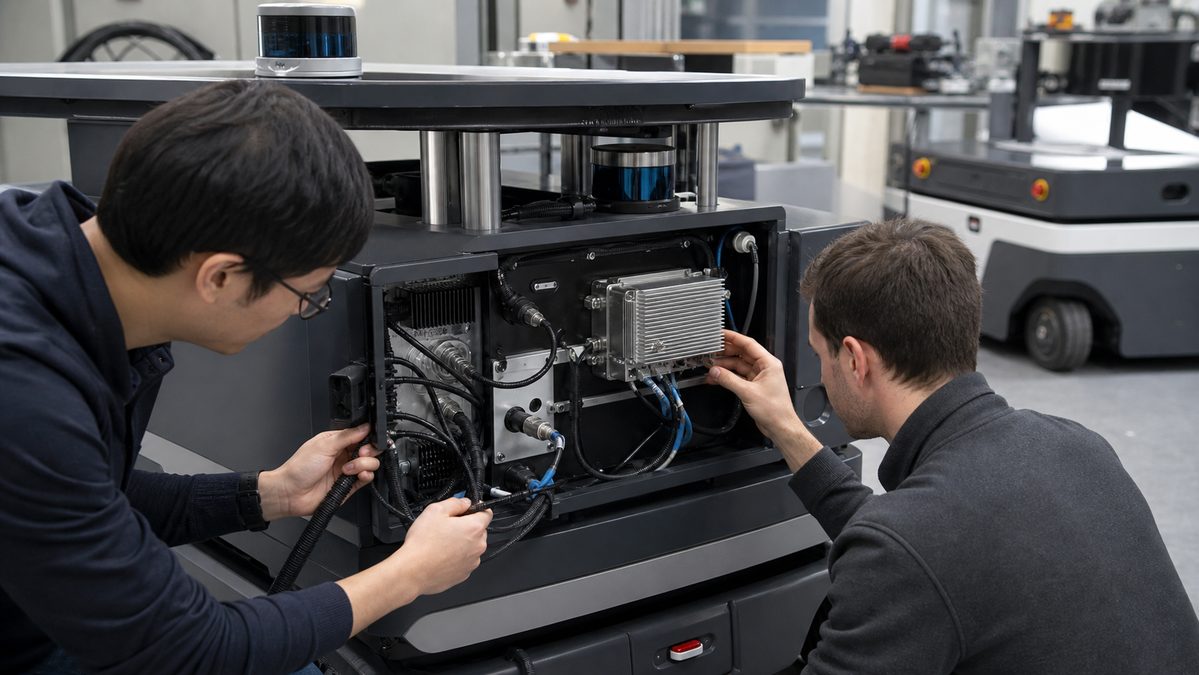
Failure modes a development kit can hide
| Failure mode | Why it appears late | Practical validation |
|---|---|---|
| Sensor path drift | A demo uses one known-good camera or cable; the installed robot uses the final harness and more concurrent devices. | Capture and replay representative sensor sets, then repeat after every interface or firmware change. |
| Unowned adapters and cables | Bench adapters are replaced during assembly without a configuration record. | Assign part ownership, document connector orientation and strain relief, and retain the tested bill of materials. |
| Resource contention | Each service works alone, but acquisition, inference, logging, and diagnostics compete together. | Run the intended workload mix and agree which noncritical service degrades first. |
| Hard-to-service installation | Access is not considered until a field issue requires inspection or replacement. | Conduct a serviceability review with the enclosure closed and the intended tools available. |
Choosing an N Series solution path
After the workload and evidence checklist are clear, review the MScape N Series robotics edge AI computers as complete robot-side hardware options built around NVIDIA Jetson modules. For a compute-heavy embodied-AI or sensor-rich robot program, the MScape N1000 high-performance robotics edge AI computer is a relevant path to evaluate. Confirm the current documentation, interface fit, power design, mounting, and complete workload against the final robot before choosing it.
It is not the right fit merely because it is higher capacity. If a project is primarily a compact, connected embedded installation, review the MScape N201 embedded AI computer against the actual sensor and deployment requirements. For broader context on robot workloads that perceive, decide, and act, read What Is an Embodied AI Computer?
A practical transition sequence
- Freeze one representative sensor set and software build for comparison testing.
- Document every required interface, power condition, enclosure constraint, and maintenance action.
- Review the handoff from AI workloads to dedicated motion and safety functions.
- Test the installed assembly with concurrent workloads, recovery cases, and diagnostic collection.
- Keep the results with the robot configuration record and use them in the supplier integration review.
See MScape robotics edge AI applications for deployment contexts and About MScape for company background and trust information.
FAQ
When should a team move beyond a development kit?
Move when the team needs to prove the installed robot system rather than a bench workload: final interfaces, power behavior, mechanical fit, serviceability, and repeatable software configuration should be part of the decision.
Does an embodied AI computer replace dedicated robot control hardware?
No. It can support the perception and inference side of an embodied system. The architecture should clearly assign dedicated motion and safety responsibilities, with defined interfaces between them.
What should procurement ask for?
Request current product documentation, an interface review, configuration ownership, integration assumptions, support expectations, and validation evidence relevant to the actual robot build.