English
 Español
 Português
 Deutsch
 한국어
한국어 日本語
日本語 Italiano
 Français
 العربية
 Türkçe
Requesting an edge AI computer recommendation should not start with a model name. A useful robotics inquiry gives the engineering team enough system context to check camera and sensor fit, communication paths, installation constraints, power and thermal assumptions, and the deployment plan before a shortlist is suggested.
Why a short hardware inquiry often produces a weak fit
“We need an AI computer for our robot” states the outcome, not the system problem. The same workload can have very different hardware needs when a mobile robot moves from one camera to several, adds lidar or radar, shares a battery with motors, or has to place the computer in a tightly packaged enclosure. A development setup can also hide cable length, connector retention, heat, startup and recovery behavior that matter after installation.
The goal is not to submit a perfect specification on day one. It is to expose the assumptions worth validating. This is especially important where perception software, the robot’s dedicated control system, and safety functions are separate parts of the architecture. An edge AI computer can process sensors and inference close to the machine; it is not automatically the robot controller or safety system.
The integration brief: six inputs to share first
| Input | What to provide | Why it changes the evaluation |
|---|---|---|
| Robot and task | Robot type, operating environment, target task and whether work continues with limited connectivity. | Sets the deployment context and whether local perception or inference is central to the workflow. |
| Cameras and sensors | Camera count, interface type, resolution/frame-rate expectations, plus lidar, radar, IMU, encoders or other inputs. | Reveals capture, synchronization, cabling and sensor-fusion needs before compute is discussed in isolation. |
| AI workload | Models, pipeline stages, expected concurrent tasks, data retention and whether the stack is still being selected. | Defines realistic compute and memory headroom questions without relying on a single headline metric. |
| Communication ownership | Required Ethernet, CAN, serial, wireless or industrial communication paths; identify what remains with dedicated control hardware. | Prevents an interface list from being mistaken for a claim that one computer replaces every control function. |
| Installation envelope | Available space, mounting direction, connector access, cable routing, enclosure, ingress exposure and service access. | Tests whether the chosen computer can actually be integrated and maintained on the machine. |
| Power and delivery plan | Input-power source, shared loads, startup/shutdown behavior, thermal approach, prototype date and field-validation milestone. | Brings electrical and operational constraints into the decision early. |
Start with a sensor-to-decision map
For each input, record where it is acquired, which software consumes it, what happens when the input is absent, and which subsystem owns the resulting action. A simple map can distinguish a camera stream used for object detection, a lidar used for localization, and an industrial bus carrying status messages. It also makes a critical boundary visible: the edge AI computer may supply perception or planning outputs to the wider robot architecture, while dedicated motion and safety functions retain their own responsibility.
Ask the supplier to respond to the map with questions, not just a model. A valuable response clarifies interface compatibility, installation assumptions, what needs a datasheet-level check, and what must be validated with the complete robot. For a sensor-rich design, the MScape N210 robotics edge AI computer is a relevant path to discuss because its product page positions it for sensor fusion and industrial interconnect. For a larger planned AI workload, review the MScape N1000 high-performance robotics edge AI computer separately rather than assuming a compact configuration will suit every workload.
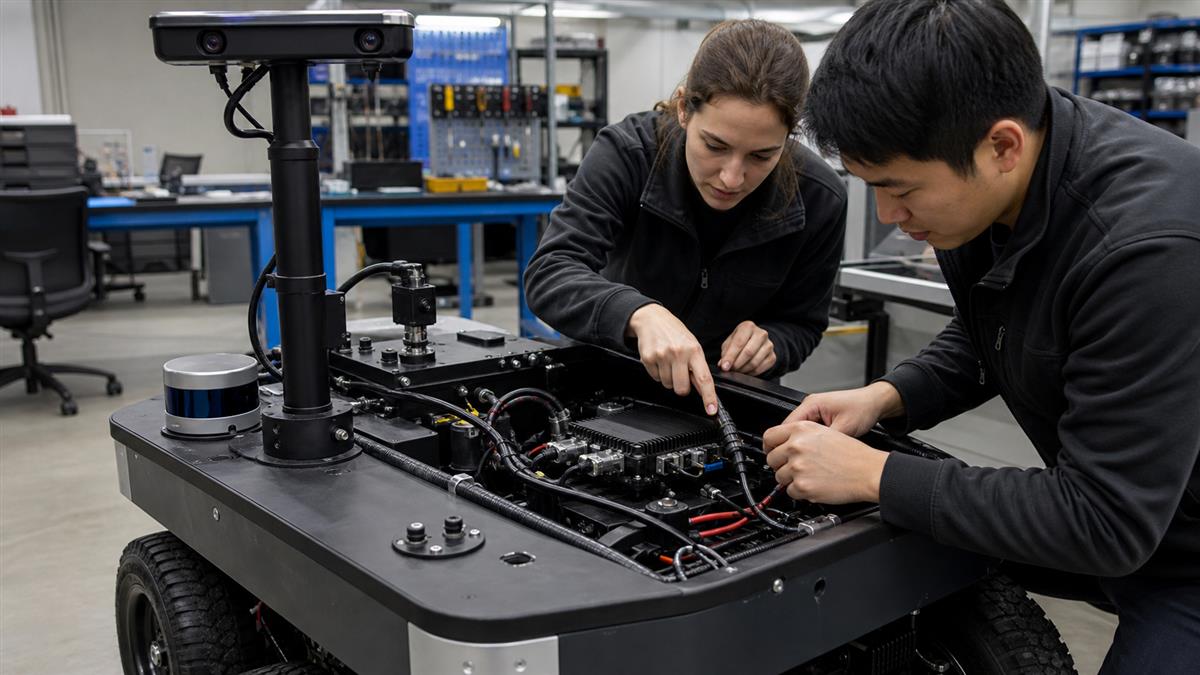
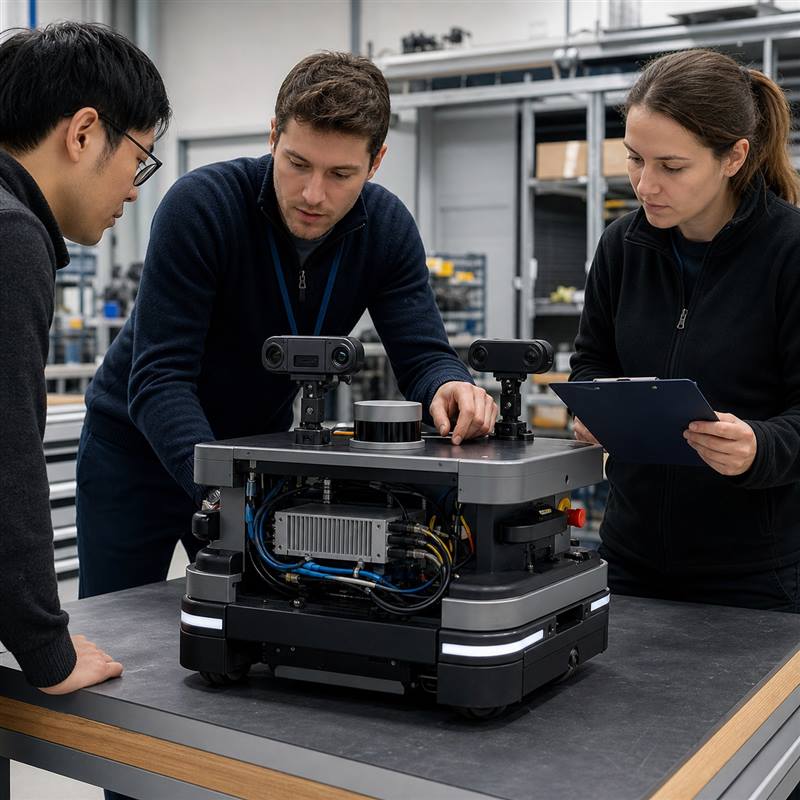
A useful inquiry describes the installed system: sensors, connections, power, packaging and the robot-side computer.
Turn unknowns into a validation plan
Mark each item in the brief as confirmed, to be confirmed from documentation, or to be proven in a bench and installed-system test. That avoids treating a commercial response as final integration evidence.
- Review the camera, sensor, communication and power assumptions against current datasheets.
- Build the minimum bench with representative cables, interfaces and software versions.
- Test normal startup, sensor reconnection, network interruption and controlled power recovery according to the robot team’s procedures.
- Install the system in the intended mechanical location and check connector access, cable strain relief and thermal behavior in the real enclosure.
- Document open items before the pilot, including responsibility for control and safety functions outside the edge-compute scope.
Common inquiry failure modes
| What is omitted | What can go wrong | Better request |
|---|---|---|
| Only an AI model name | The recommendation overlooks cameras, storage, interfaces or packaging. | Share the whole sensor-to-decision map and the installation envelope. |
| “Supports EtherCAT” without ownership | Teams blur communication requirements with dedicated motion-control or safety responsibilities. | State which subsystem owns each function and what message or device connection is required. |
| Nominal power only | Startup, shared loads, thermal design and recovery behavior are discovered late. | Describe the input source, adjacent loads and proposed power-management approach. |
| Prototype photos only | Cable bend radius, service access and mounting are not assessed. | Send dimensions, enclosure sketches and representative connector/cable information. |
Where to begin with an N Series discussion
Start with the MScape N Series product overview after the integration brief is assembled. The N Series is robot-side computing hardware built around NVIDIA Jetson modules; model selection should follow the confirmed workload and installed-system requirements. If your team is comparing interface readiness, the related guide on validating ROS 2, EtherCAT and CAN FD in a robotics edge AI computer can help structure the bench plan. MScape’s company and engineering background provides useful context for a supplier discussion.
FAQ
What is the minimum information needed for an edge AI computer quotation?
Provide the robot application, camera and sensor list, expected workloads, needed interfaces, available power, installation constraints and delivery milestone. Clearly label unknown details so they can become validation questions.
Should we choose hardware by AI compute alone?
No. Compute is one decision input. Camera paths, sensor integration, communication, power, thermal design, packaging and serviceability can determine whether a configuration is practical on the robot.
Can an edge AI computer replace the robot controller?
Not by default. It can support perception, inference, sensor processing and communication close to the machine. The robot team should define the boundaries and validation responsibilities for dedicated control and safety functions.
Share your robot type, camera count, sensor stack, communication requirements, target AI workload, power source, installation constraints and deployment timeline through the MScape inquiry page. The resulting discussion can focus on a verified N Series fit and the tests needed before deployment.