English
 Español
 Português
 Deutsch
 한국어
 日本語
 Italiano
 Français
 العربية
 Türkçe

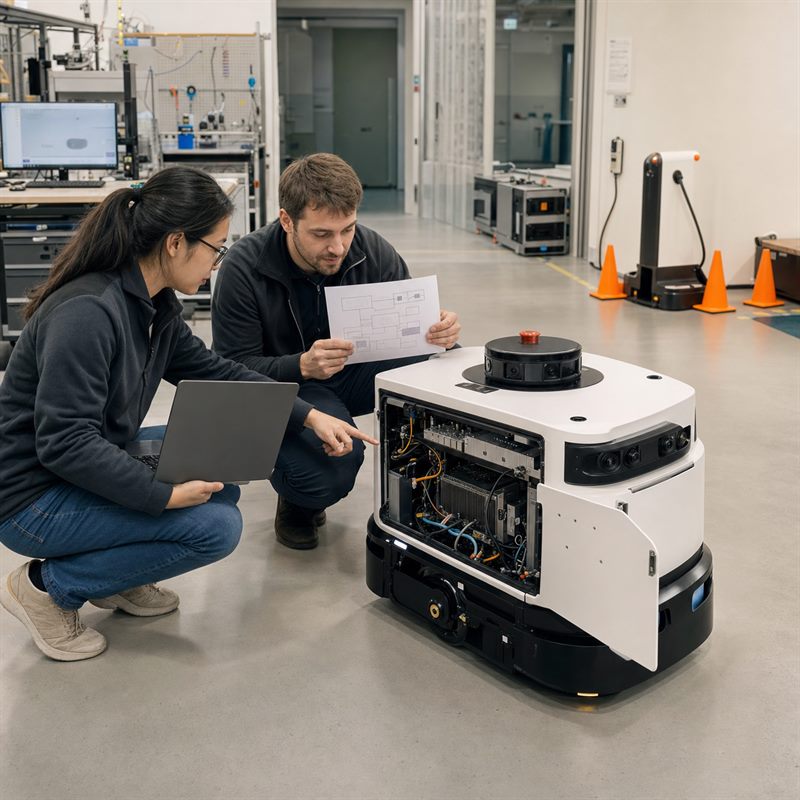
You may already know which cameras, sensors and Jetson software your robot needs, yet still have no short list of finished computers. The N Series choice starts with the installed data path: connector types, workloads that run together, the boundary with the motion controller, power, heat and access for service. Use those constraints to mark each candidate pass, fail or open. A model name alone cannot close an open integration question.
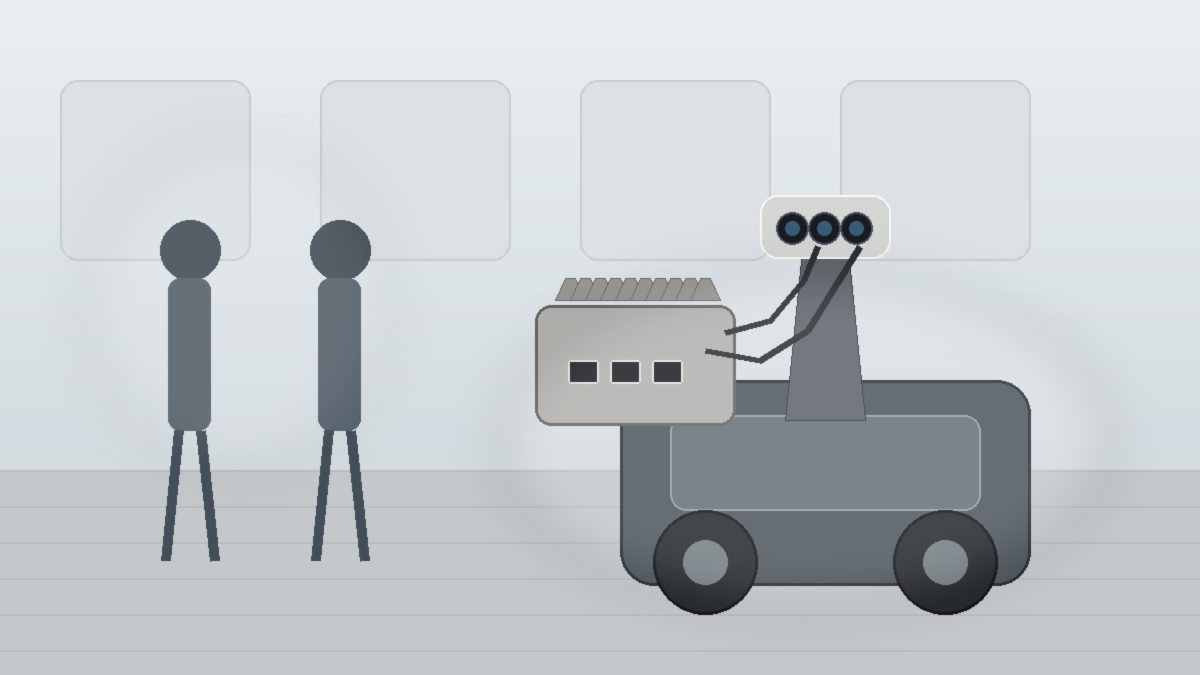
Start with the robot drawing and its data paths
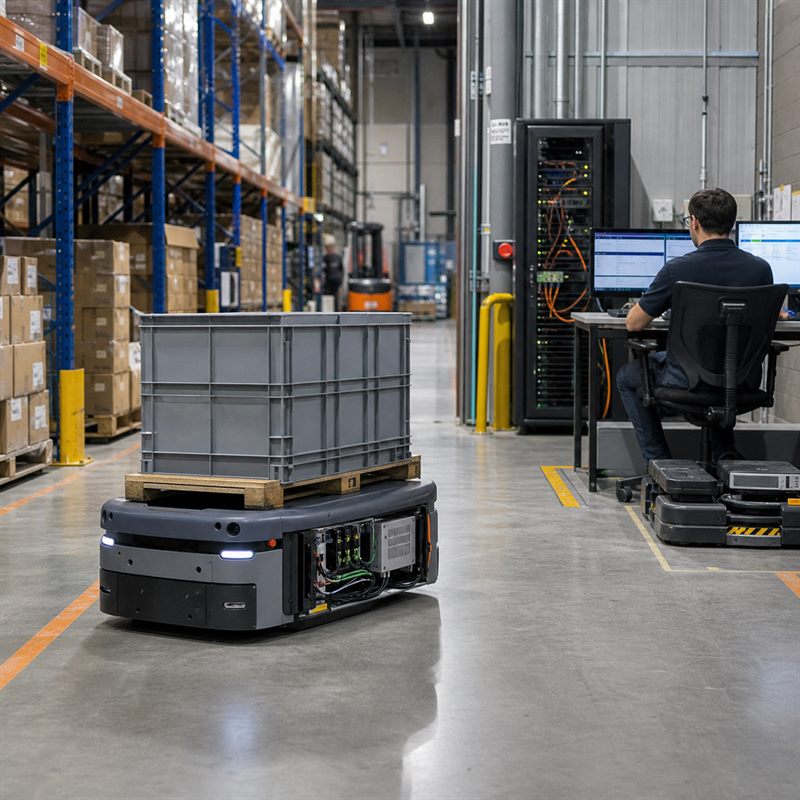
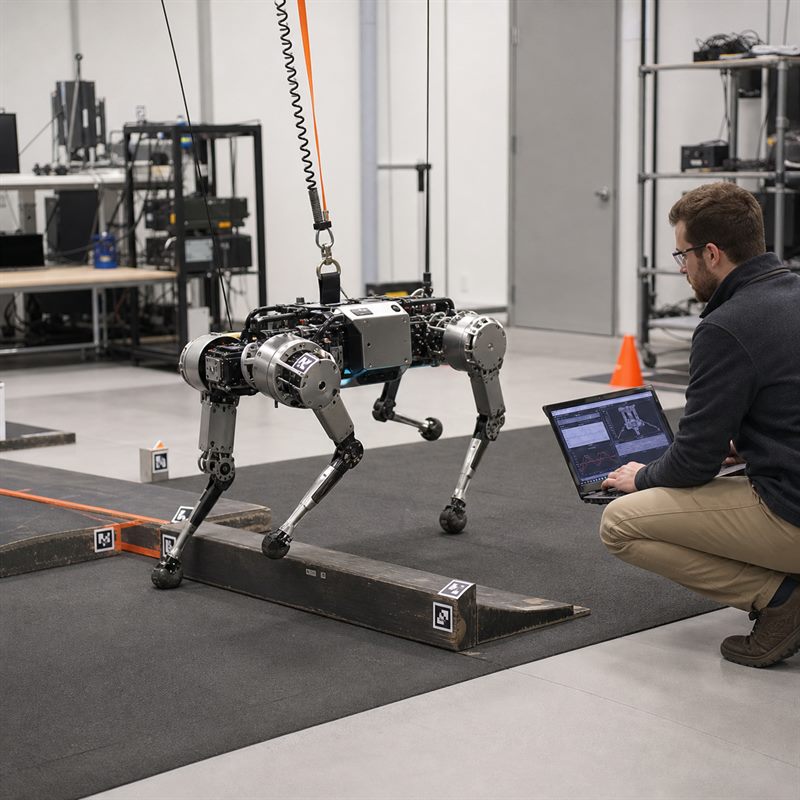
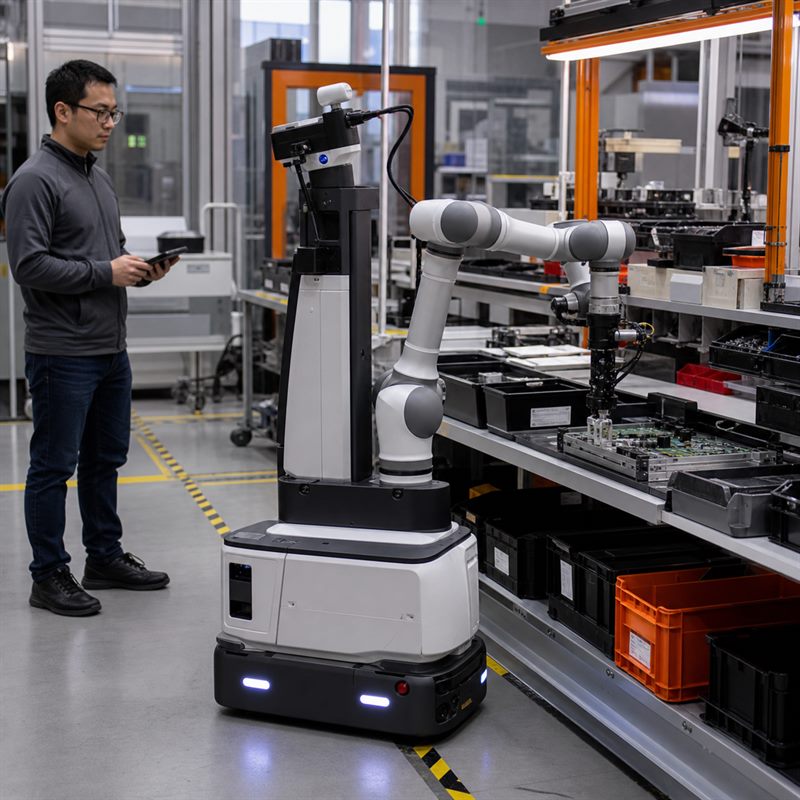
Before comparing models, put the proposed computer on the robot drawing. A warehouse AMR may need short camera runs and reliable Ethernet access; a quadruped inspection robot may have tighter mounting and cable routes. The same compute module can be a poor fit if its connectors or cooling path do not work in the installed package.
The MScape N Series gives you several onboard-computing options. The useful starting point is your camera chain, the tasks that run together and the space available for the enclosure and harness. Those details narrow the list more reliably than a model name alone.
Record the requirements that could rule out a model
How many cameras, what resolution, and whether your stack also includes lidar, IMU, encoders, or force sensing.
Whether the robot needs hard real-time behavior, industrial fieldbus support, or tight coordination between inference and actuation.
Whether the robot depends on 5G, Wi-Fi, Ethernet, or multiple industrial communication paths inside one enclosure.
Available volume, cable routing limits, shock and vibration exposure, and how much service access the mechanical design allows.
Whether the workload is classic perception inference, multi-camera fusion, or a larger embodied AI stack with heavier local models.
Whether you are evaluating a first prototype, preparing a customer pilot, or locking a repeatable deployment BOM for scale.
Match N Series options to the actual installation
| Candidate | Documented starting point | What must be confirmed |
|---|---|---|
| N100 | Orin NX 8 GB / 16 GB; four GMSL2 inputs | Exact camera pairing, concurrent workload, carrier interfaces and installation |
| N201 | AGX Orin 32 GB / 64 GB; USB and Ethernet paths | Sensor topology, delivered communication options and workload |
| N203 | AGX Orin 32 GB / 64 GB; eight GMSL2 inputs | Camera/SerDes/driver pairing, storage and harness |
| N210 | AGX Orin 32 GB / 64 GB; eight GMSL2 inputs | Additional required interfaces, connector arrangement and delivered configuration |
| N1000 | A separate platform path for heavier workloads | Exact module option and workload evidence; do not compare incompatible compute units |
Follow one robot through the shortlist
Consider a mobile inspection robot with four planned camera views, one Ethernet lidar, local recording and a separate motion controller. This is a planning example, not a tested MScape configuration. Record each camera model, serializer, output mode and cable length before counting ports. If the cameras are GMSL2, a candidate without the required delivered camera chain fails that requirement regardless of its TOPS figure. If they are USB cameras, check host-controller bandwidth, power and cable retention instead. A camera count without the connection method is not enough to select a computer.
Now list the tasks that overlap: navigation perception, image recording and a remote operator view may all run during the same route section. Measure frame age and storage write delay while those tasks run together. If the robot must keep working through a network outage, identify which decisions remain onboard and how queued evidence is retained. Keep motor control and safety responsibilities on their approved subsystem; an EtherCAT interface or a real-time capable operating system does not, by itself, prove a control deadline. Our computer-versus-controller test method explains how to record that boundary.
Only after these checks should the N100, N201, N203, N210 or N1000 row become a serious candidate. One robot might rule out a compact path because of its delivered camera chain; another might rule out a larger path because the enclosure cannot cool it. Keep both the reason and the evidence beside each pass or fail. That makes the shortlist reviewable when the sensor plan changes.
Turn the requirements into a shortlist
- Start with robot class: compact mobile robot, vision-heavy machine, humanoid, quadruped, or compute-heavy embodied platform.
- Write down exact camera count and interface type before comparing models.
- Separate real-time control needs from pure inference needs so you do not buy the wrong architecture.
- Check enclosure volume, available cooling path, and allowed power draw early, not after software selection.
- Use the deployment timeline to decide whether you need the fastest path to evaluation or the strongest path to long-term scaling.
Close the requirements that distinguish the shortlist
Build a pass/fail/open record for each mandatory requirement before ranking N Series models. For a camera path, use the sensor, output mode and driver combination. For installation, use the checked mounting and harness drawing. For compute, use the concurrent application rather than a single model benchmark.
A model family can identify a starting point, but overlapping interfaces mean broad labels are insufficient. In particular, both N203 and N210 offer GMSL2 inputs; compare the exact additional interfaces, expansion and power configuration required by the robot.
Move an open row to pass only when the evidence matches the intended delivered revision. If two candidates both pass, compare the concrete expansion, service and cost conditions rather than assuming the higher nominal compute option is always better.
This page routes a defined robot requirement to an N Series shortlist. If you are still deciding what belongs on the robot computer, use the onboard architecture guide. For a first field pilot, the pilot acceptance plan covers the test sequence. A purchasing review can use the N Series buyer checklist. These are different decisions; you do not need to repeat every checklist in one meeting.
Send the robot brief for a model check
If you are selecting an N Series robotics edge AI computer for an overseas project, send the engineering basics through the MScape contact page: your robot type, camera count, sensor stack, control bus, compute target, power budget, and deployment timeline. That information makes it much easier to narrow the platform path quickly and discuss the right N Series fit for your build.
For a shortlisted Jetson configuration, use NVIDIA Jetson power modes and monitoring to record the power mode used during the workload test.