English
 Español
 Português
 Deutsch
 한국어
한국어 日本語
日本語 Italiano
 Français
 العربية
 Türkçe
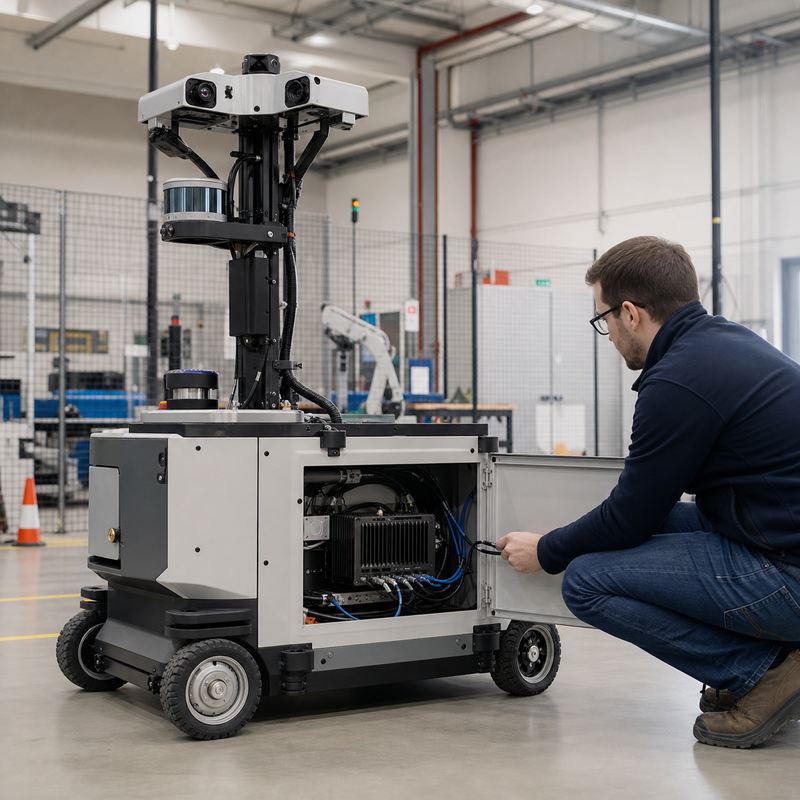
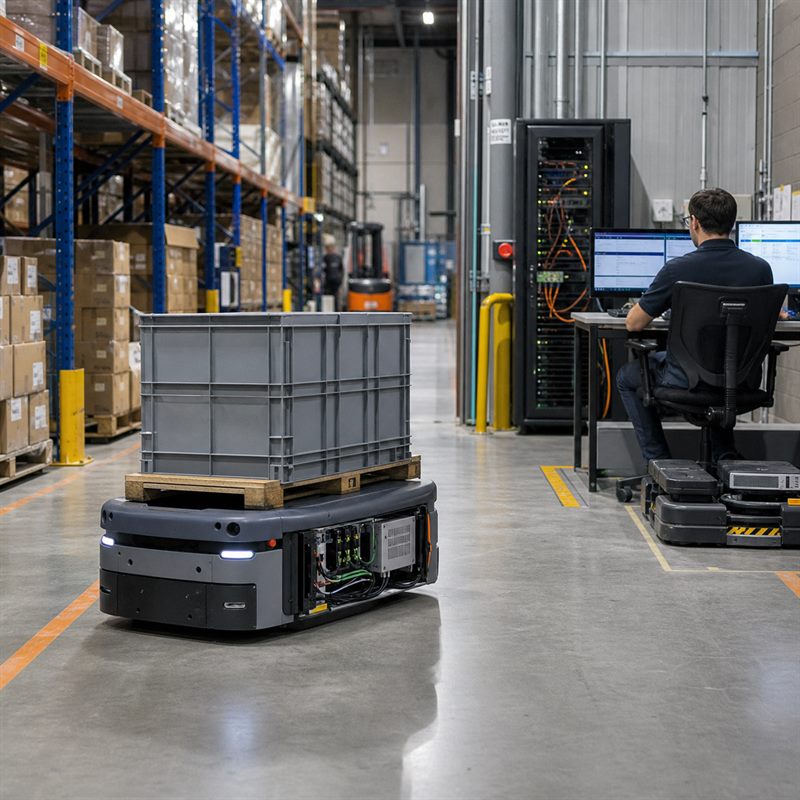
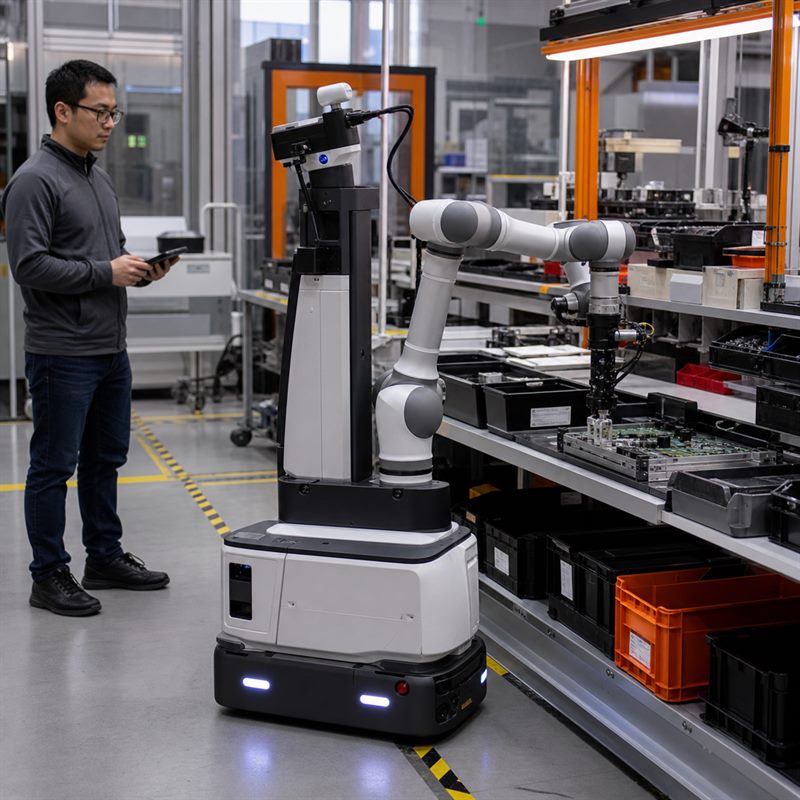
Teams building mobile robots, inspection machines, humanoids, drones, and industrial cells often start with a model demo. The harder question arrives later: where do camera streams, state estimates, planning workloads, communications, power, heat, and recovery behavior belong once the computer is inside the machine? A practical embodied AI hardware architecture makes those boundaries explicit before a product team commits to a compute enclosure or cable harness.
What sits inside an embodied AI hardware architecture?
Embodied AI describes an AI system whose purpose is to perceive and act in the physical world. Edge AI describes where computing happens: near the data source rather than solely in a remote service. An embodied AI computer is therefore robot-side or machine-side hardware that can support perception, inference, sensor processing, communications, and action-oriented workloads. It is not a claim that one box owns every function in the robot.
A useful architecture separates responsibility into four connected domains:
| Domain | Typical responsibility | Validation question |
|---|---|---|
| Sensing | Cameras, lidar, radar, IMUs, encoders, microphones, and machine-state inputs | Which input is needed for which decision, and how is it physically connected? |
| Robot-side AI computing | Perception pipelines, inference, state estimation support, mapping, logging, and application software | Can the intended workloads coexist with the real sensor and storage paths? |
| Communications | Network links, fieldbus or industrial interfaces, fleet connectivity, and service access | What must stay local if a remote connection is unavailable or degraded? |
| Dedicated control and safety | Drives, low-level motion functions, emergency and safety architecture | Are ownership, fallback behavior, and interfaces documented separately from AI computing? |
Start with the sensor-to-decision map
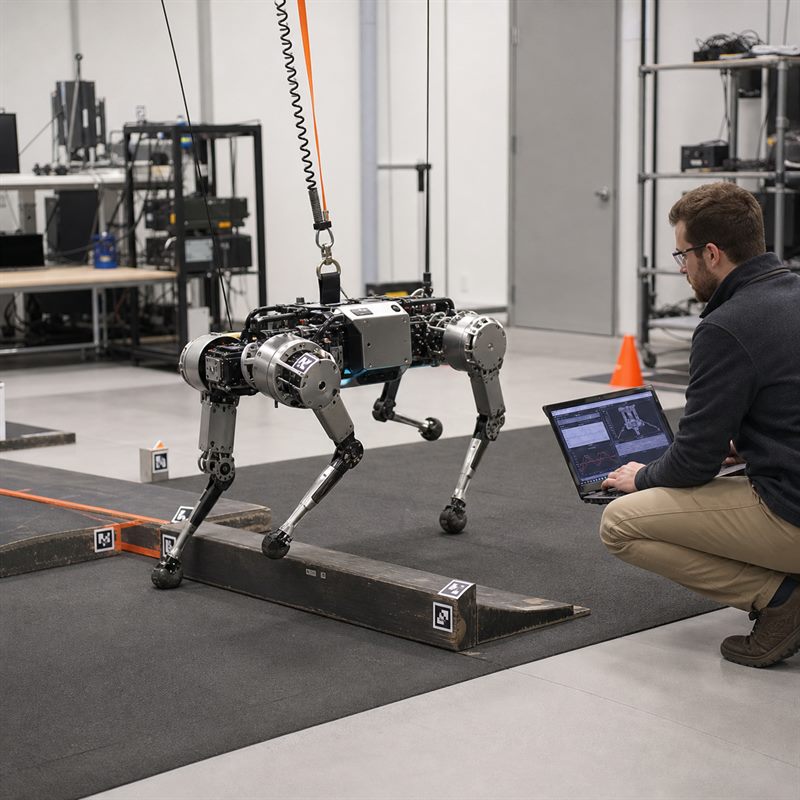
Write one line for every input: source, connection type, consuming software, decision it informs, expected recording need, and degraded-mode behavior. A multi-camera AMR may send image streams to perception, wheel and inertial data to localization, and status signals to a higher-level machine application. A quadruped inspection robot may need the same exercise for cameras, depth sensing, joint-state data, and service diagnostics. This map exposes missing cable routes and unclear ownership before hardware is installed.
Sensor fusion is not simply collecting more data. It is the engineering work of making complementary observations useful together. That means checking mounting, calibration, time relationships, software handoffs, and what the robot does when an input is absent or implausible. The International Roadmap for Devices and Systems identifies sensor integration and synchronization as core embodied-AI architecture concerns; use that as a reason to validate the whole input path, not as a substitute for robot-specific testing.
Why an edge AI computer is not automatically a robot controller
Robot-side computing can make local perception and inference practical, and it can exchange information with the rest of the robot. That does not make the computer a motion controller, a safety device, or the sole owner of every timing-sensitive task. Treating it as one can create a dangerous documentation gap: a perception team may assume a drive team owns a fallback, while the drive team assumes the AI application will supply it.
Document the boundary instead. List what each computer receives, publishes, records, and does when an upstream input fails. Keep dedicated drive, low-level control, and safety responsibilities with the verified components and architecture selected for those roles. This division also makes integration changes easier to review when a camera is added, a network path changes, or an AI model evolves.
Evaluate the installed hardware, not only the AI workload
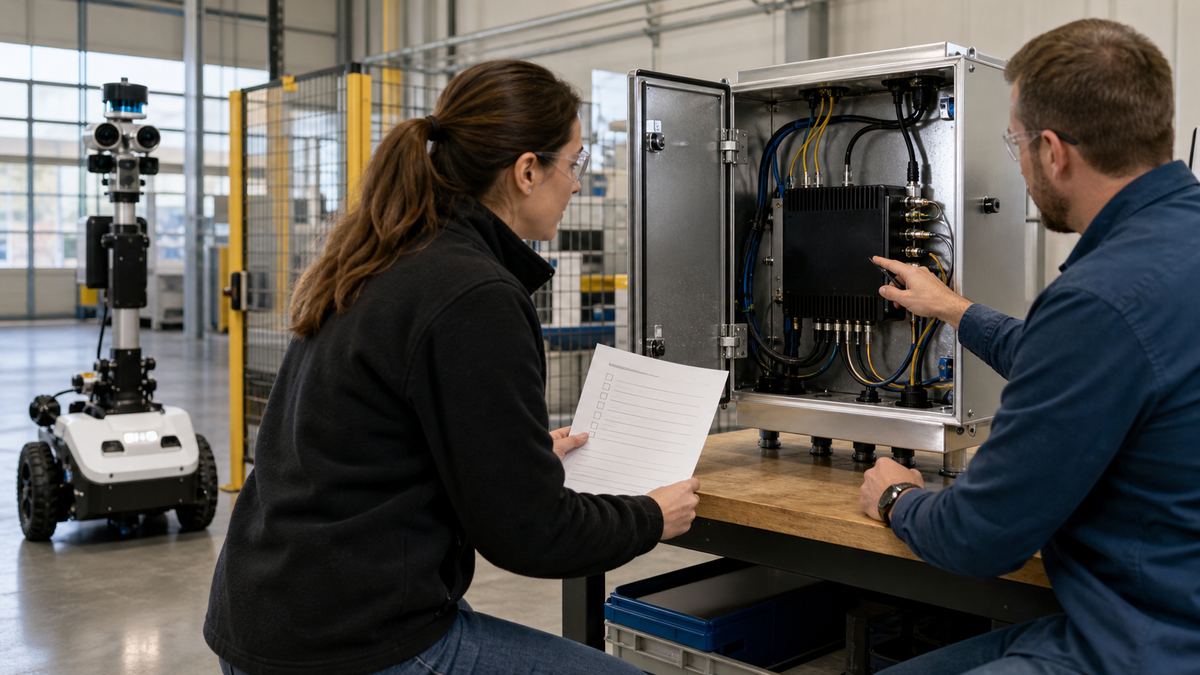
After the map is stable, choose hardware according to the installed system. Confirm camera and sensor interfaces, network and industrial communications, power path, thermal enclosure, mounting, service access, storage, and software environment. A powerful-looking bench configuration can still become a weak production choice if it needs an impractical cable adapter, cannot be serviced without opening the machine, or has no agreed recovery procedure.
| If the architecture is led by鈥?/th> | Evaluate this first | Relevant N Series path |
|---|---|---|
| Multiple camera inputs and robot perception | Camera topology, physical routing, calibration workflow, and diagnostics | MScape N203 multi-camera edge AI computer |
| Sensor fusion plus industrial interconnect | Interface ownership, sensor handoffs, mounting, and integration evidence | MScape N210 robotics edge AI computer |
| Compute-heavy concurrent robot workloads | Representative workload mix, heat, power, storage, and recovery tests | MScape N1000 high-performance robotics edge AI computer |
These are evaluation paths, not automatic prescriptions. For example, N203 is a better discussion starting point when camera topology is central; it is not necessarily the correct choice if the planned workload and packaging call for a different architecture. Review the full MScape N Series robotics edge AI computer range against current verified product documentation and the finished-machine requirements.
Run a validation sequence before freezing the design
- Freeze a representative sensor list and mark every physical connection.
- Test the intended software workloads together, including logging and service access.
- Install the candidate computer in its planned enclosure with production-like power and cable routing.
- Exercise normal operation, sensor loss, network loss, restart, and maintenance scenarios with named owners.
- Record what changed between bench, pilot, and deployment configurations.
For a deeper interface packet, use the related robotics edge AI interface validation guide. The MScape application cases are also a useful starting point for matching the evaluation to a real robot category rather than a generic AI workload.
FAQ
Is embodied AI hardware the same as edge AI hardware?
No. Embodied AI names the physical-world application and system purpose. Edge AI names the location of computing. A robot can use an edge AI computer without every function being part of embodied AI, and embodied AI systems can use a mix of local and remote resources.
Should one computer own perception, planning, and motion?
That is an architecture decision, not a default. Separate the workloads and safety responsibilities first, then validate the selected components and their boundaries on the actual robot.
What should an overseas integration team share in an inquiry?
Share robot type, sensor and camera count, interfaces, local workloads, enclosure and power constraints, target deployment environment, and pilot timeline. This produces a more useful engineering conversation than a model name alone.